AI agent observability · for engineers debugging a run that went wrong
Was it the agent, or who got the work?
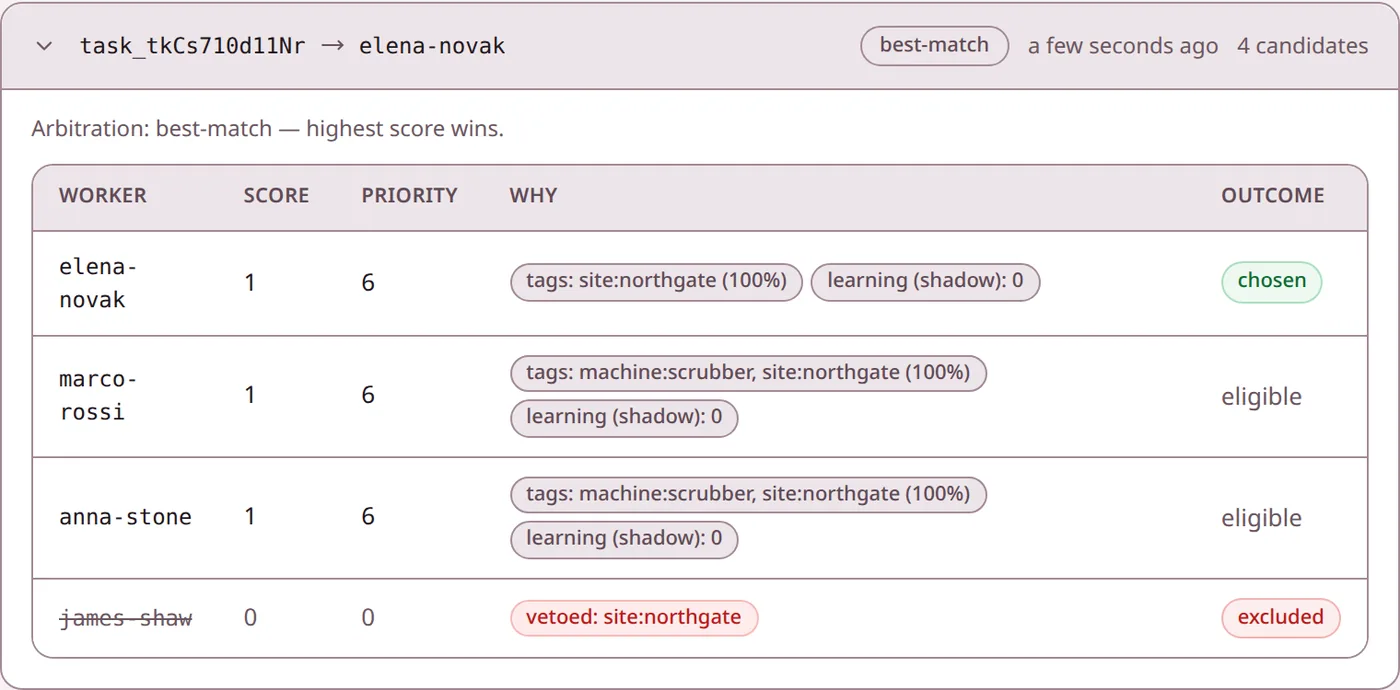
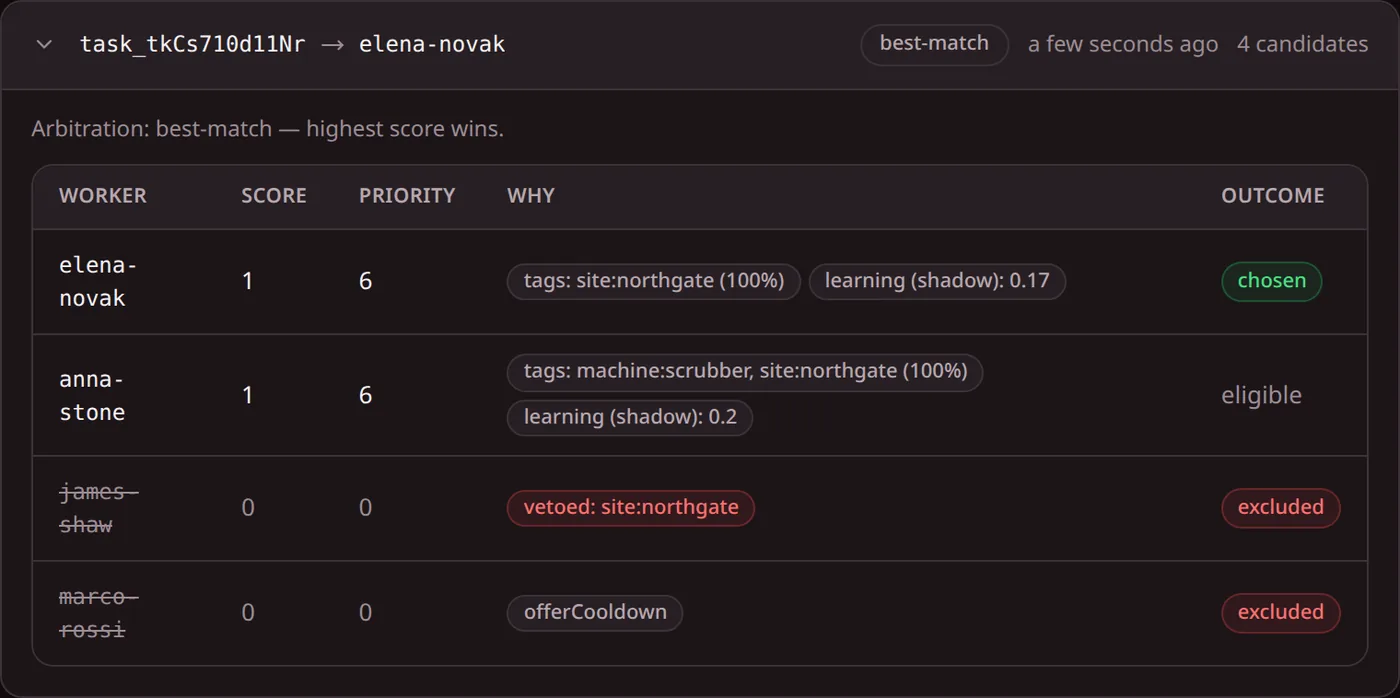
Agent traces show what an agent did. They don’t show why it got the job, or who else could have. Paste a decision record below and get a plain answer: which layer failed, and what to change.
- Runs in your browser; nothing is sent
- Reads the console’s and the API’s decision records
- Free, no sign-up
Read a decision record
Pick one of three incidents, or paste your own record. The reader names the layer that failed and the setting to look at.
An example record. Worker names are made up. Choose “Paste your own” to edit.
agent-refunds won, as configured.
It reached 8.0 against payments-2 at 7.6. If someone else should have had this job, the rules sent it here: change the rules, not the worker.
- Lower the weight on the tag that decided it, or veto that tag for this worker.
- Send the same job again in the playground and check the new winner.
Where each answer lives
Keep this beside you when a run goes wrong. Join the two records on the task ID; the rest is yours to log.
| The question | Where the answer is | Recorded by Fivexer |
|---|---|---|
| Who got the job, and why them? | Decision record: chosen worker, score, priority, reasons | Yes |
| Who was ruled out, and by which rule? | Decision record: vetoes, jobs turned down, cooldowns | Yes, up to a cap |
| Did the worker say it succeeded? | Task result: success, error, output | Yes |
| Which model calls, tools and tokens did the agent use? | Your agent’s own tracing | No, you log it |
| Did the customer actually get the result? | Your own acceptance check | No, you check it |
A decision record holds the people evaluated for that job, up to a configured number. Someone who was never a candidate does not appear in it.
The checklist, in order
1 · Who got it
Open the decision record
Chosen, eligible, ruled out. If the wrong worker won, the rules decided it: weights, vetoes, skills.
2 · What it did
Open the agent’s trace
Same task ID. If the right worker got it and the result is wrong, the cause is inside the run.
3 · Was it done
Check the outcome
A finished task can report success: false. Route that to a person so it is never counted as done.