For planners comparing Planday for a multi-site contractor of 20–250 staff
A Planday alternative for rules you set and decisions you can show
Turn your working-time rules into an explainable roster, rank eligible cover when somebody calls in, and allocate the live work that follows. Fivexer gives human planners and AI agents the same operational tools, then carries the record into payroll review and export.
- €0.50 a person, past the first 15
- EU-hosted, DPA published before you ask
- MCP-native for AI agents

Test the same absence before switching
Use this evaluation scenario in both products: 40 workers, five client sites, recurring shifts, site permissions and one same-day absence. These are trial assumptions, not a benchmark or customer result.
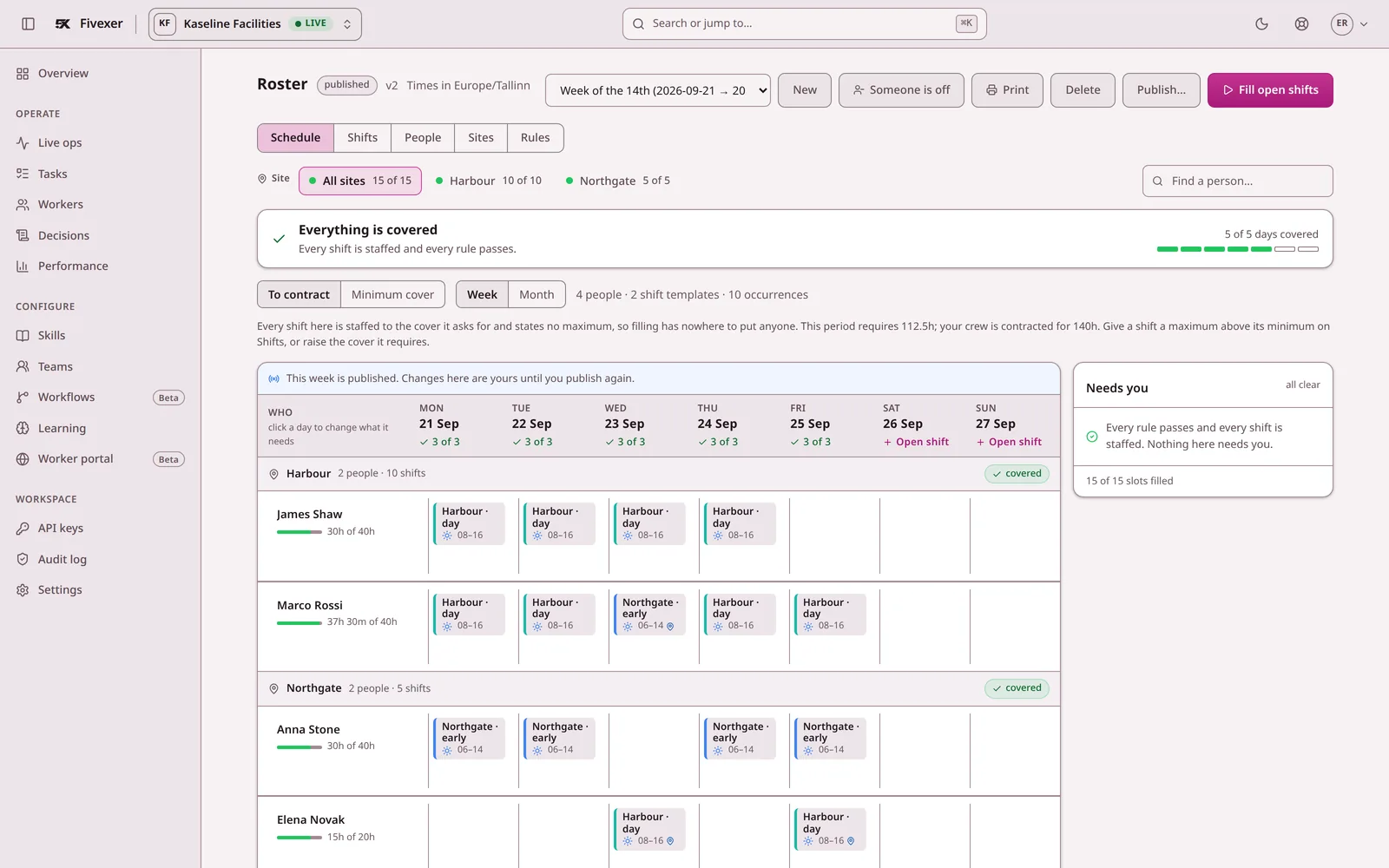
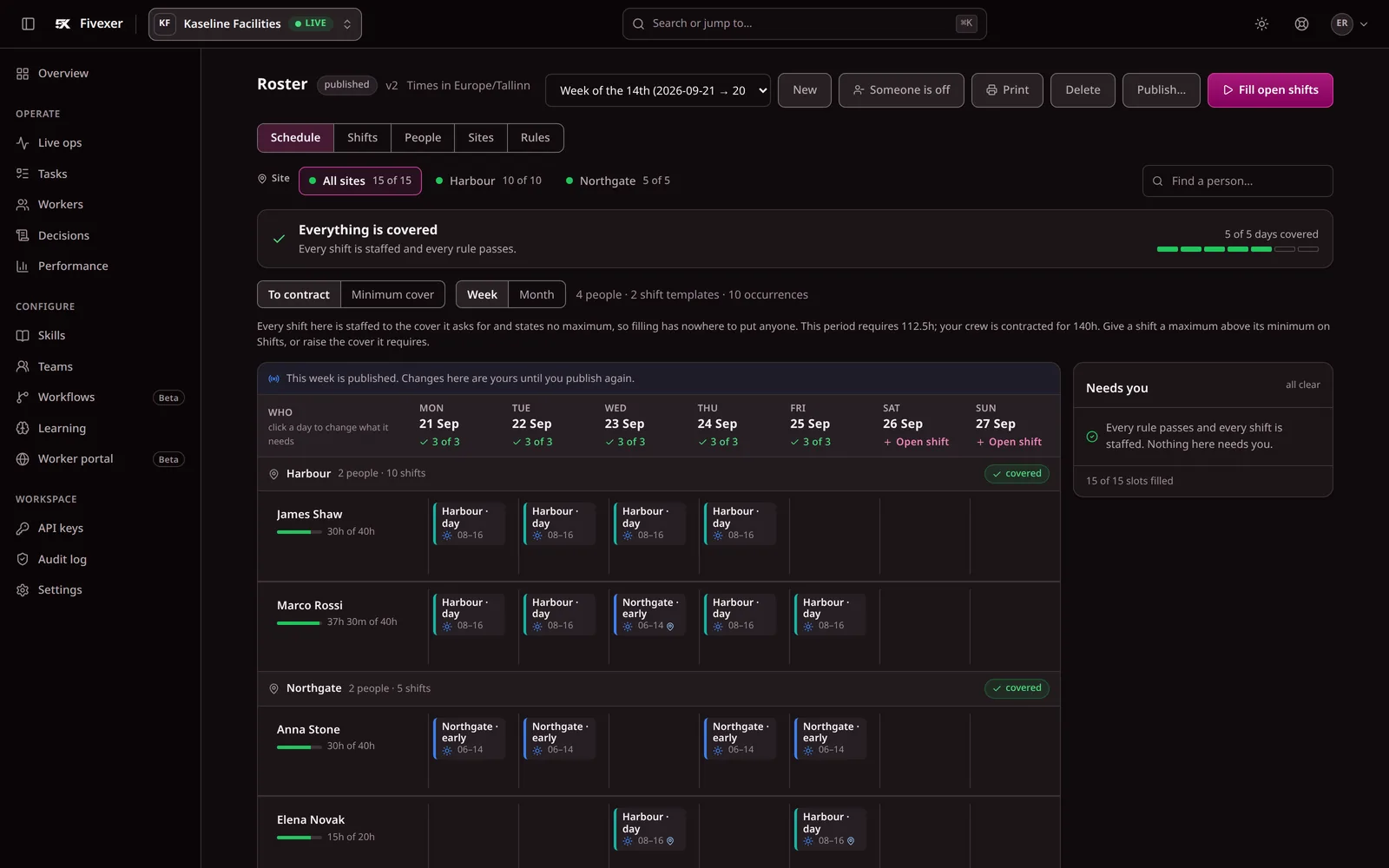
Check whether the replacement is available, qualified and permitted at the site. Inspect rest and existing assignments, then confirm how the change reaches the worker. Record what each product actually does in your trial, including any setup needed.
Use the shift-cover workflow as your test sheet. If you are also migrating a spreadsheet, follow the rota migration checks.
Planday also offers scheduling and shift-change workflows. Review the vendor’s own scheduling documentation alongside your trial.
What you would be looking at instead of Planday
Three screens from the running console, so you can compare them with what you use today.
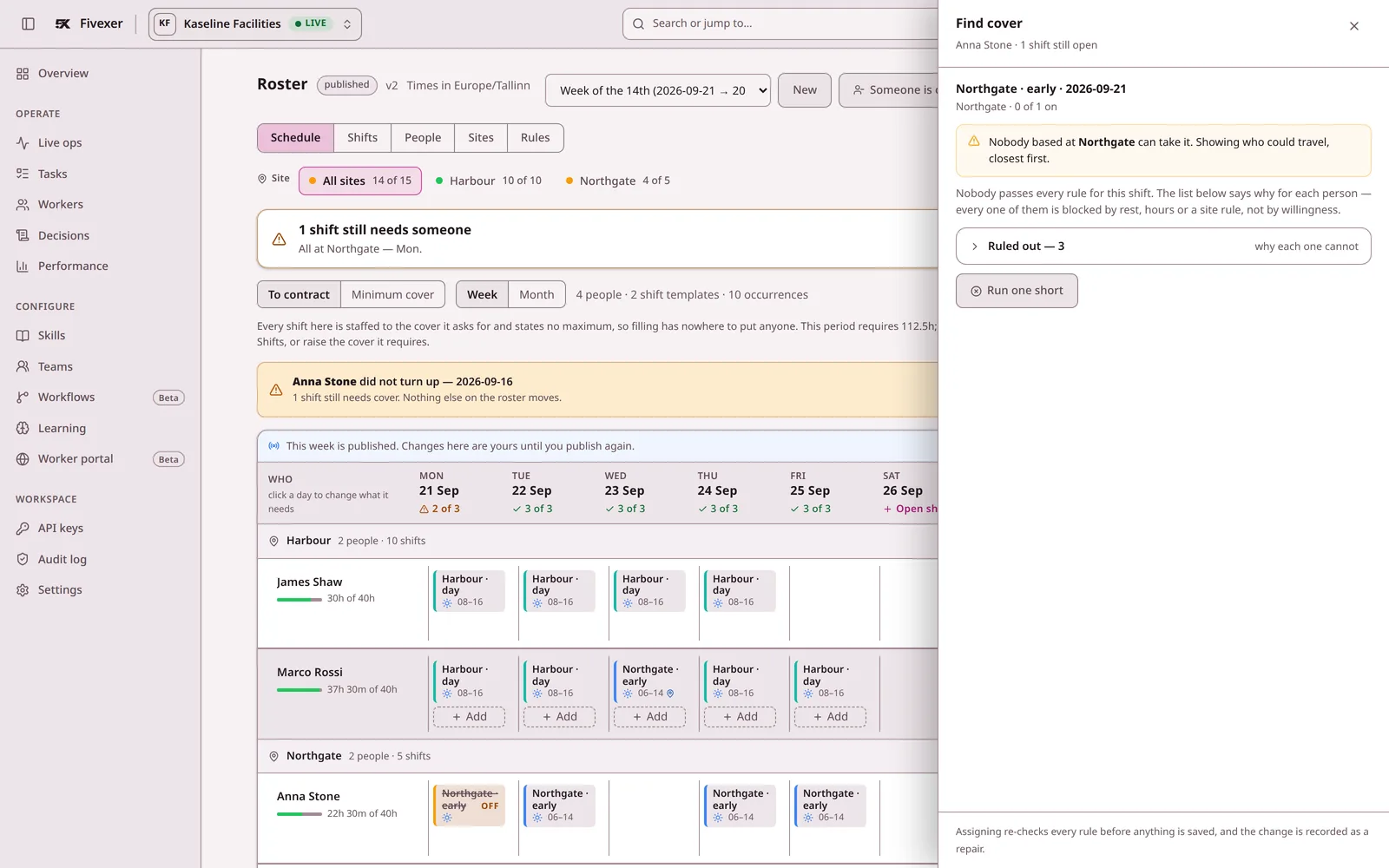
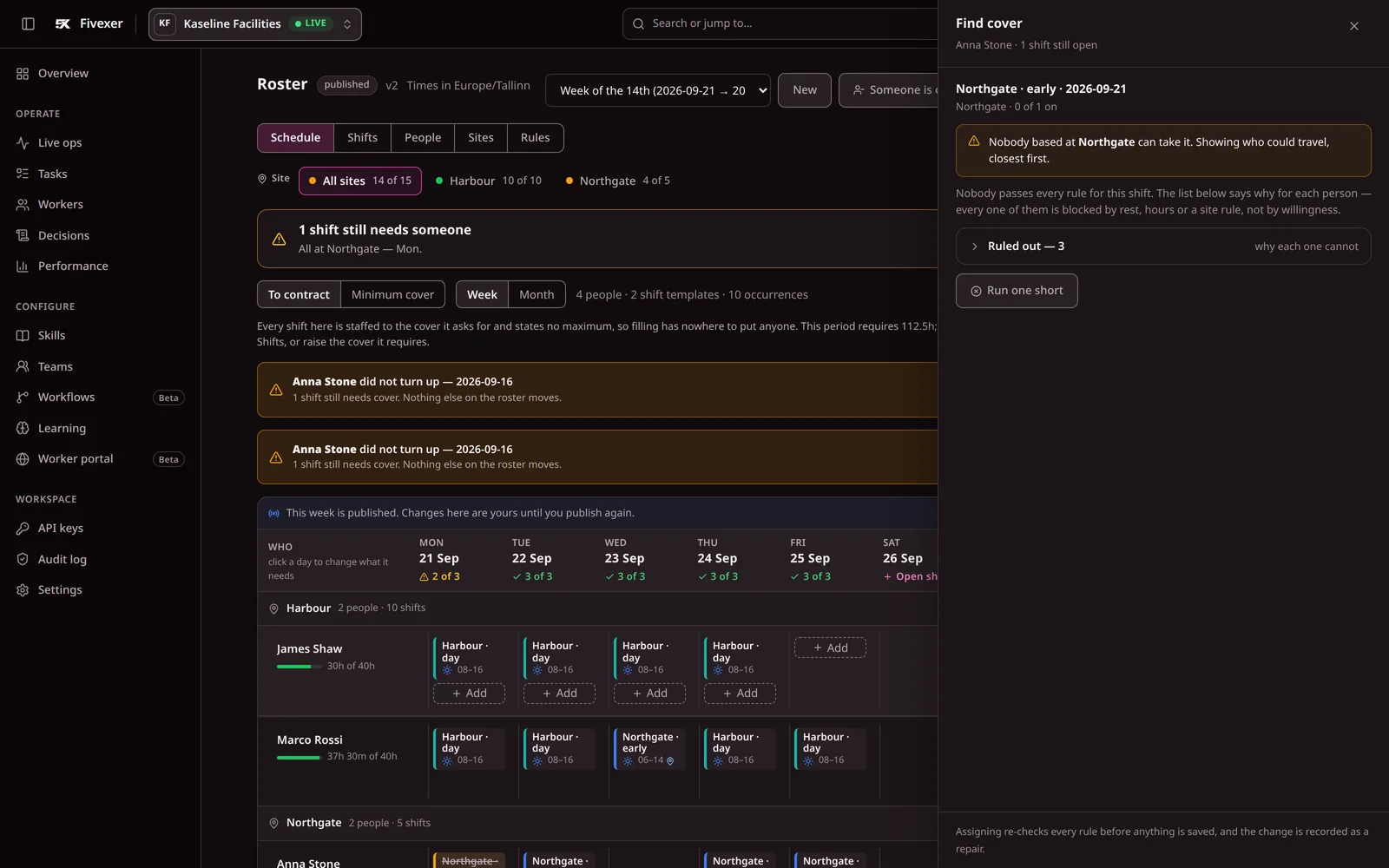
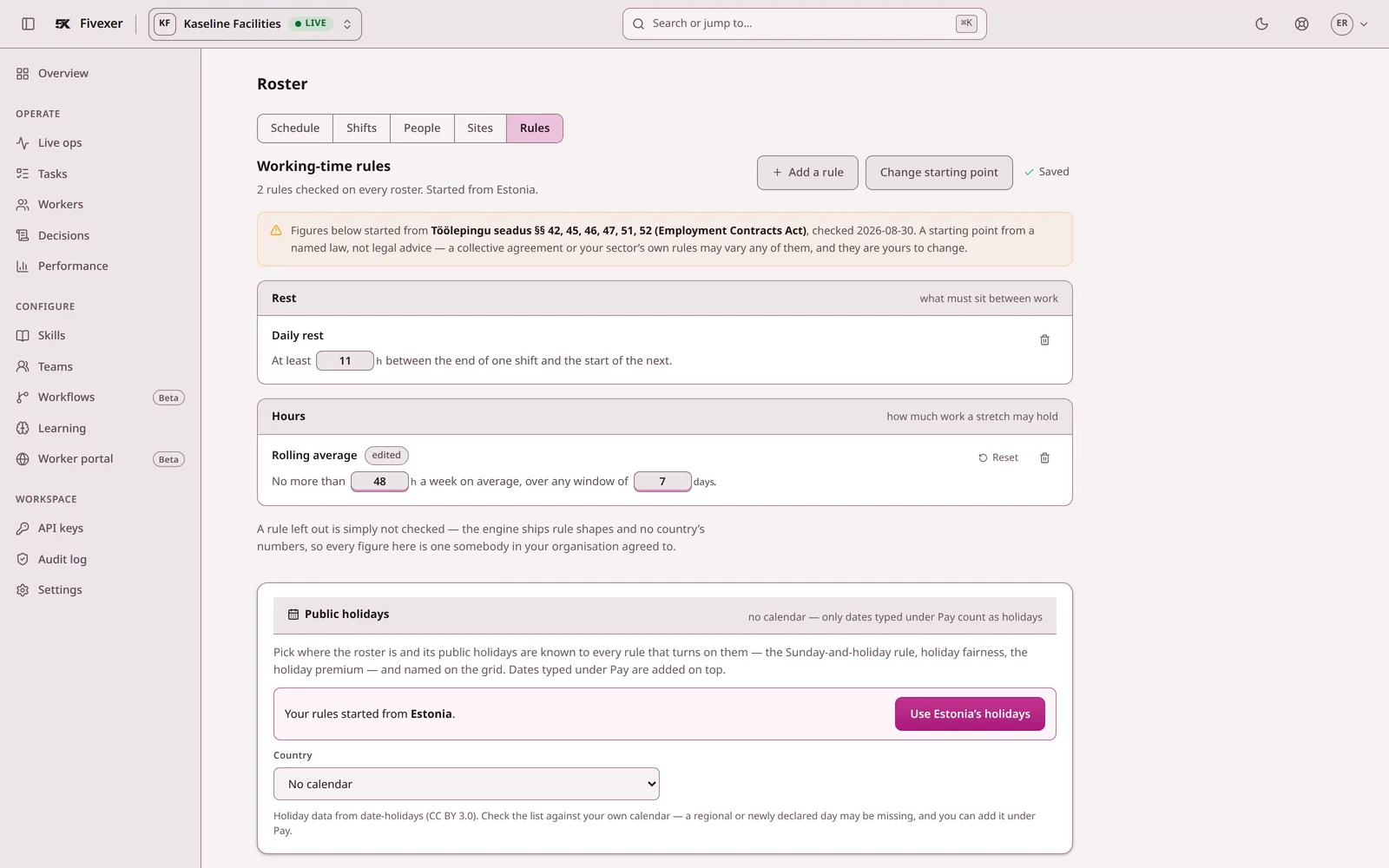
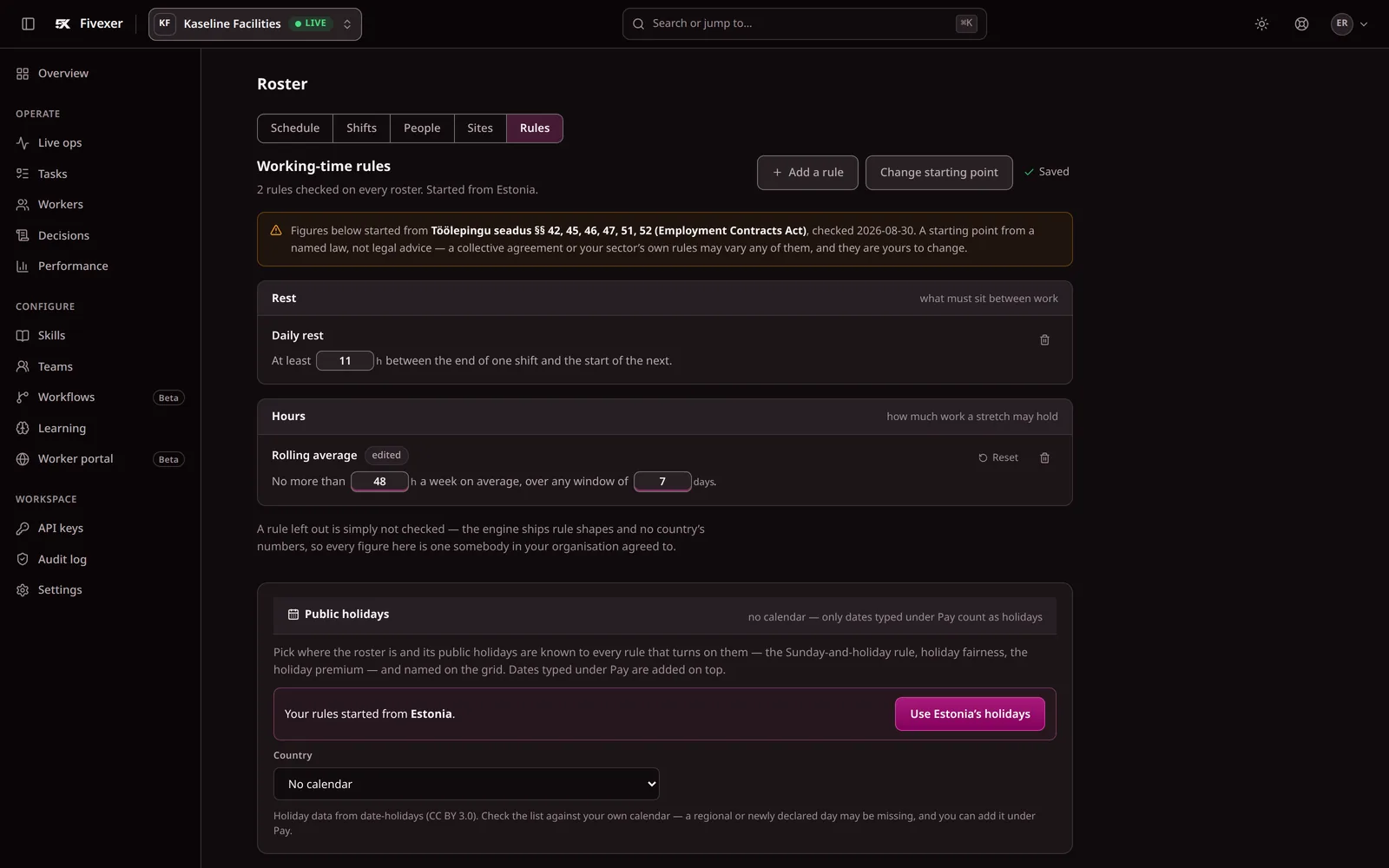
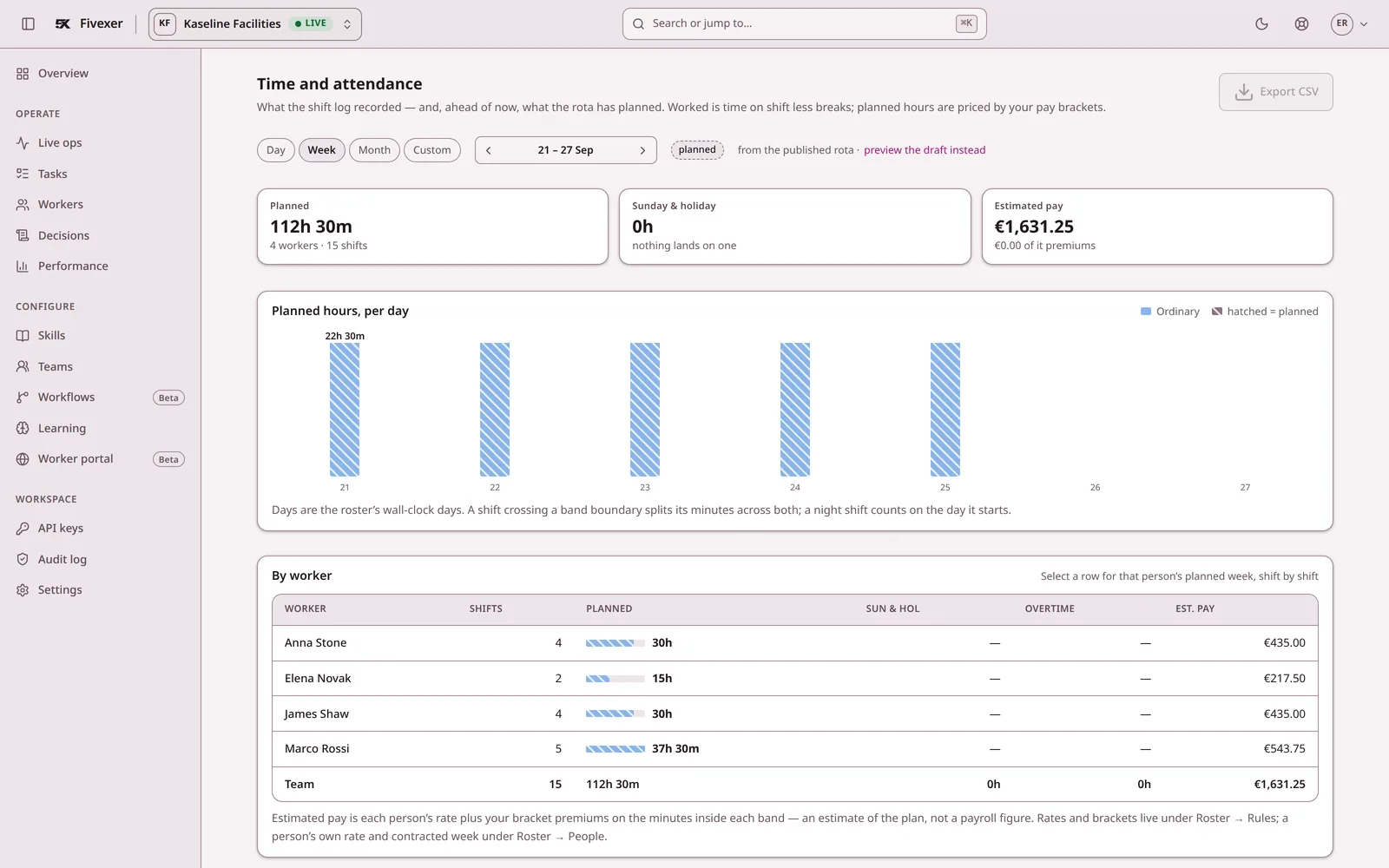
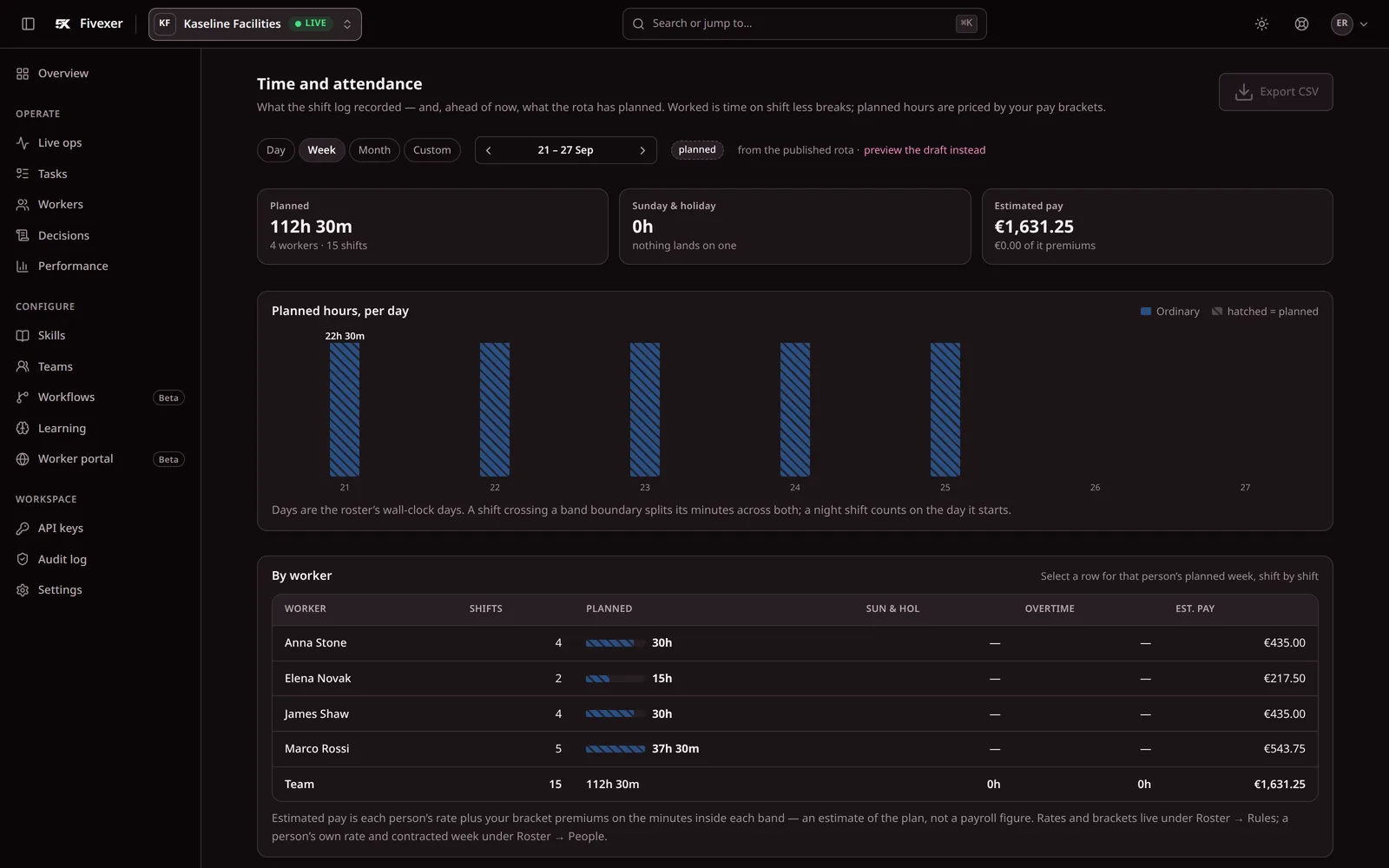
Screenshots of the console with demonstration data, not mock-ups. See every screen.
Fivexer and Planday, question by question
Both products address staff scheduling, but the centre of gravity is different. Planday packages scheduling with employee time tracking. Fivexer makes the scheduling decision itself programmable, inspectable and usable over MCP: the rules that admit or exclude somebody remain visible from the first draft through shift cover, live allocation and payroll handoff.
Planday
£179.40
a month for 60 workers. How it is reached is in the price table below.
Fivexer
€22.50
a month for 60 workers. The first 15 are free.
Published list prices in each vendor’s own currency, not converted. Read 2 September 2026.
Question by question
Whose working-time rules are these?
vendor defaults against figures you set
Planday
Planday publishes working-time rules and compliance warnings on Starter
Fivexer
Yours only. Country packs are editable starting points, not rules applied automatically — a blank rule is not checked, and a configured one is enforced and explained in words.
Why him and not her?
a record a worker or a works council can read
Planday
Not something the published pages describe — one to put to them
Fivexer
Every decision is one sentence: who took it, and who was ruled out by which rule.
Who covers Anna at 6am?
into qualified, rested, permitted replacements
Planday
Leave and absence management is published on Plus
Fivexer
Ranked replacements with the exclusions shown, scoped to the shifts the absence actually broke.
Can she work three sites this week?
site permission and the journey between shifts
Planday
Configurable organisational structure is published on Pro, at custom pricing
Fivexer
Permitted sites are a hard boundary, and a stated journey holds the gap between two shifts open for it.
Who takes the job that arrives at 11am?
live allocation once the roster is published
Planday
Not what the product sells — scheduling and time tracking are
Fivexer
The same engine allocates the ticket, job or case that arrives during the day, against who is on shift.
Can an AI agent use it directly?
MCP tools, open source and API access
Planday
API access is published on Plus; an MCP interface is not described — one to ask them
Fivexer
Yes. Claude, ChatGPT, Cursor or any MCP client can inspect and operate the workspace through documented tools — the same rules and decision record as the UI. The engine and MCP server are open source.
Does it track hours and feed payroll?
payroll-ready records against integrated time tracking
Planday
Yes — time tracking and payroll reporting and integrations are the product
Fivexer
Worked hours become a reviewable payroll report with premiums, corrections, payroll IDs, period close and CSV export. It is not a GPS clock or a payroll processor.
The vendor column states what that vendor publishes on its own pricing and feature pages, read on 2 September 2026. Where a product does more than its published pages say, that is theirs to say — every unfilled row above is a question you can put to them, and they are gathered further down this page. Prices are list prices in each vendor’s own published currency and are not converted; negotiated discounts are not modelled.
What each one costs as the team grows
Published list prices, read on 2 September 2026, in each vendor’s own currency and not converted. Planday bills for every person on the rota; Fivexer’s first 15 people are free, and each one after is €0.50 a month.
| How it is priced | 30 workers | 60 workers | 120 workers |
|---|---|---|---|
| PlandayStarter at £2.99 per user per month, the only tier with a published price, minimum five users. Auto-scheduling is published on Pro, which is quoted per customer. | £89.70/mo | £179.40/mo | £358.80/mo |
| FivexerFirst 15 people free, then €0.50 a person a month. Rostering is never a paid extra. | €7.50/moPay as you go | €22.50/moPay as you go | €52.50/moPay as you go |
Plus and Pro carry no published price, so the figures above are the floor rather than the quote a contractor of this shape would receive. Prices are Planday’s UK list in pounds and are not converted here. Plans are sold on matched tasks. A 120-person rota is about 2,600 shifts a month, inside the free 10,000, so for a rota the per-person price is the whole bill.

What to ask Planday
Two of the rows above turn on a price Planday does not publish, so they are worth asking before a demo rather than after. A written answer from the vendor is also the only version of these that cannot go out of date.
- What does Plus cost per user, and what does Pro cost for a team our size?
- Auto-scheduling sits on Pro — what does it cost, and which of our rules can it actually enforce?
- When a worker asks why the shift went to someone else, what does the system show him?
- What comes out on export — the published roster only, or the decisions behind it?
We have not answered these for you on purpose. A product’s capabilities and its data posture both change without notice, and the only reliable version is the one the vendor puts in writing for you.
Choose Fivexer — unless clocking is the product
For a contractor buying operational scheduling, Fivexer is the stronger choice: qualifications, rest, contracted hours, site permission and travel decide who can work; every exclusion is explainable; and a human or AI agent can inspect and operate the workspace directly. The same record continues through worked-versus-rostered review, corrections, premiums, period close and payroll-ready CSV export. Choose Planday instead only when the purchase is mainly a staff time clock, demand forecasting and native payroll integrations in one suite.
What this page will not claim
It does
- Build and validate a roster against rest, hours, qualifications and site permission you configured
- Turn one absence into scoped openings and rank the people who may cover them
- Allocate live work to whoever is on shift, on the same rules and the same record
- Let an AI agent inspect and operate the workspace directly through MCP tools
- Review worked against rostered hours, close the period and export payroll-ready totals and premiums
It does not
- Prove attendance, calculate tax, pay people, or connect directly to a payroll provider
- Forecast demand or revenue
- Apply legal limits automatically — country packs are editable starting points and a blank rule is not checked
Not for you if
- You require clock-based attendance or a native payroll integration
- Demand forecasting matters more than eligibility
- You want the vendor to be responsible for what the law says

Questions we get asked first
How does Fivexer’s price compare with Planday’s?
Planday publishes one price, £2.99 per user per month on Starter, and quotes Plus and Pro privately — so a like-for-like number for a contractor of this shape does not exist publicly. What can be compared is the seat price: Planday’s cheapest is £2.99 a person; Fivexer’s first 15 people are free and each one after is €0.50.
Both are European. Is there a data difference?
Not one we will claim without their answer in writing. Ours is stated: an Estonian company, one EU region, every subprocessor named on a public page before you ask, and a DPA you can read without a sales call — plus the option of running the MIT engine on your own infrastructure, where there is no processor relationship to assess at all.
Does Fivexer do auto-scheduling?
Yes, as a ladder rather than a button: validate a roster somebody typed, recommend one person for one shift, fill only the gaps you tick, or solve a whole period. The planner approves the result at every rung, and every recommendation carries the rule that produced it.
Whose working-time rules does Fivexer enforce?
Only the ones you configure. Start from a published country pack or enter the rules yourself, then review every figure because requirements vary by jurisdiction, sector, agreement and person. A blank rule is not checked; a configured rule is enforced and explained in plain language.