Excel rota replacement
Keep your planning judgement. Retire the fragile spreadsheet.
Excel works well when one planner can see the whole operation. Switching becomes useful when site permissions, leave and last-minute changes live in separate files. Start with one week and compare the decisions before anyone depends on the new rota.
Test a sample rosterSee it in the console
Runs in your browser on demonstration data. No account, and nothing you try is saved.

The short answer
Recreate one real week in Fivexer, compare it against the spreadsheet decision by decision, and rehearse an absence before anyone depends on the new rota. The judgement stays yours; what changes is that the checks and the published version are no longer manual.
- What it checks
- Coverage, site and qualification eligibility, and the rest and hours settings you enter.
- What it does not supply
- An import of your spreadsheet. People, sites, posts, shifts and qualifications are entered as explicit facts, because a coloured cell cannot be checked.
- Who decides
- Your planner. Publish only after they have approved the week, and keep the old file as a dated reference.

Bring the rules, not just the coloured cells
Write down what each colour and abbreviation means. Separate people, sites, posts, shifts, availability and qualifications. A cell marked “OK” cannot explain whether someone has the right training or enough rest. Enter those facts explicitly before generating a draft.
Compare one week side by side
Choose a representative week with leave, a busy site and workers shared between locations. Recreate it in Fivexer and validate the draft. Resolve differences with the planner: a warning may expose a missed rule, or it may reveal that the new system has incomplete data.
Rehearse Thursday’s absence before switching on Monday
Remove one assigned worker in the sample and inspect the replacements. Check whether filling that gap changes another site’s coverage. Publish only after the planner has approved the schedule and workers know which version to follow. Keep the previous file as a dated reference, not a second live rota.
A migration acceptance sheet
Use these checks on your own week. A failed check is a setup task, not a reason to hide a warning.
| Check | Evidence to review |
|---|---|
| Coverage | Every required post has a worker or an explicit open shift |
| Eligibility | Site and qualification requirements are recorded |
| Working rules | Rest and hours settings reflect your approved policy |
| Change rehearsal | An absence can be covered without double-booking |
| Publication | Workers can find the approved version |
The screen this happens on
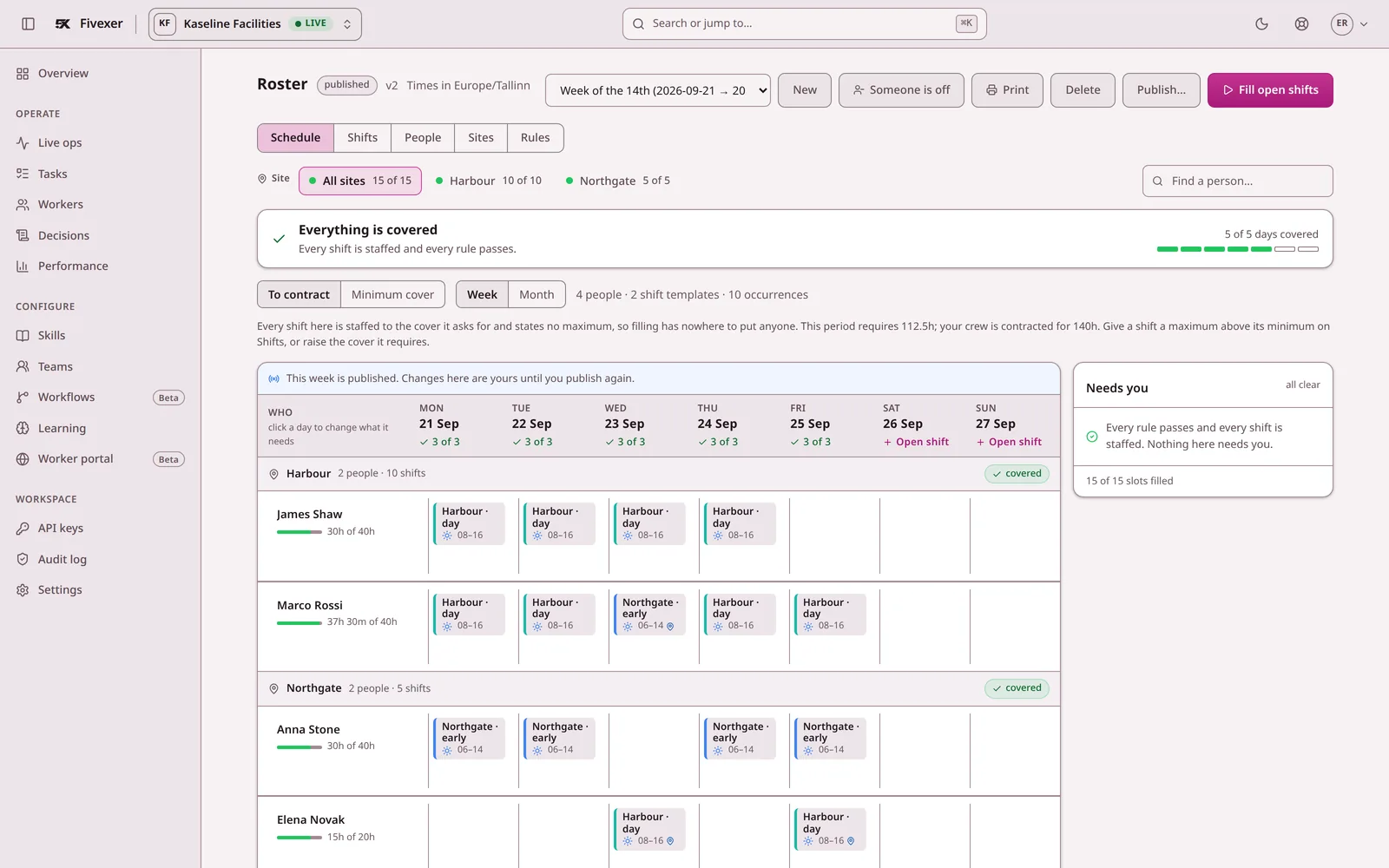
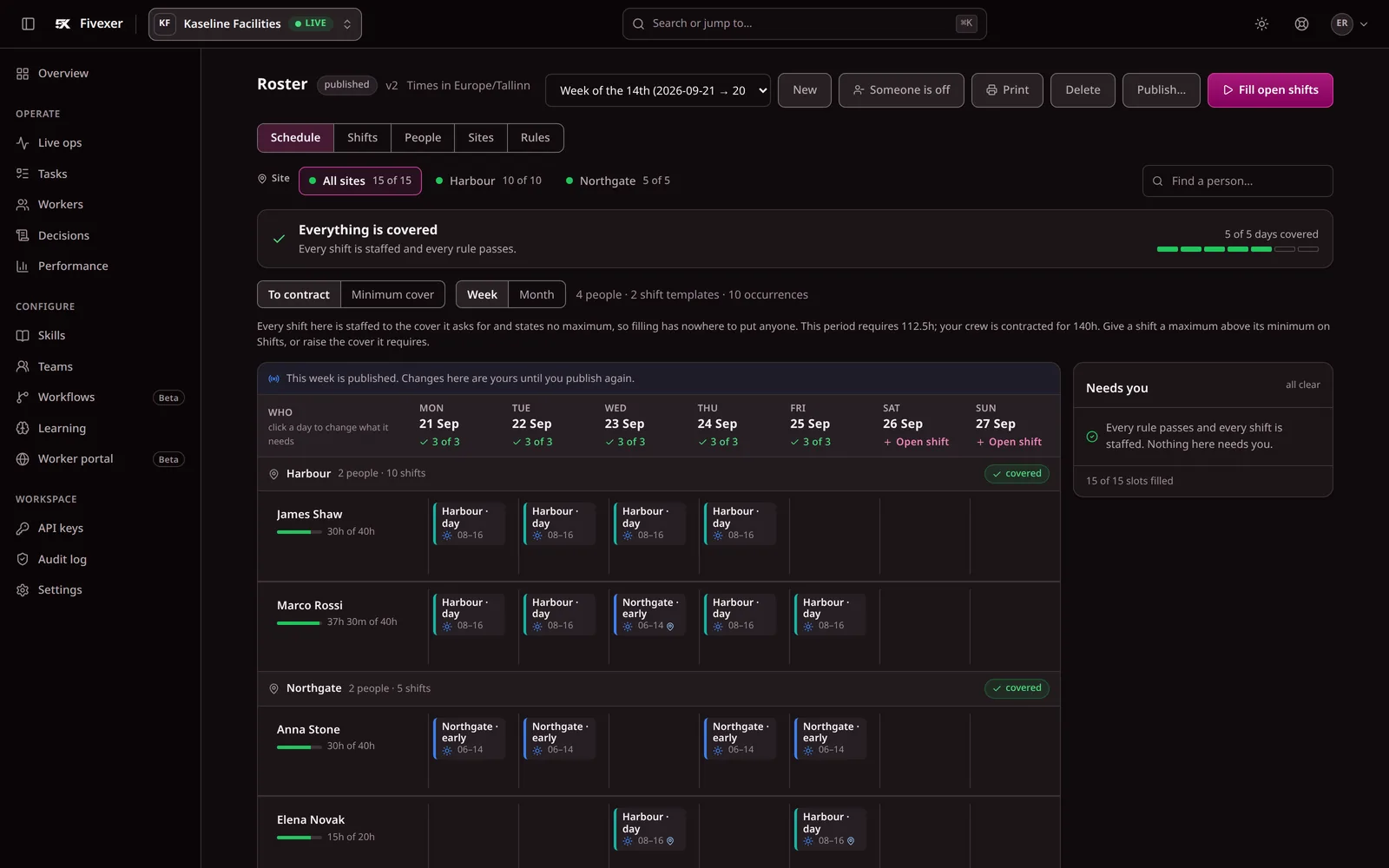
Not a mock-up. The console below runs on demonstration data; open the simulator to inspect the same week and change something yourself.

What to account for
A stable rota for a small, interchangeable team may not need a new system. Do not switch for the grid alone. Switch when checking and communicating changes has become the work.
Read the rostering documentation for setup detail, or return to workforce scheduling software for the whole workflow.