Answer three questions for each team: how often you plan, when wishes are due and what autopilot may do on its own. From then on it asks the crew for their wishes, plans each rota under your rules and has it ready in time for your notice rule.
Free to start. No credit card, and nothing reaches your crew until you publish.
✓A rule break always stops it
✓Hold any rota before it goes out
✓Empty shifts are never hidden
Relief The rota is already done
Next rota, on autopilot
Wishes collected
Done
Planned under your rules
Checked
Goes out
On time, or waits for your yes
See it work
Watch a rota plan itself.
From the crew’s wishes to a checked, ready-to-publish rota. Real product, no mock-up.
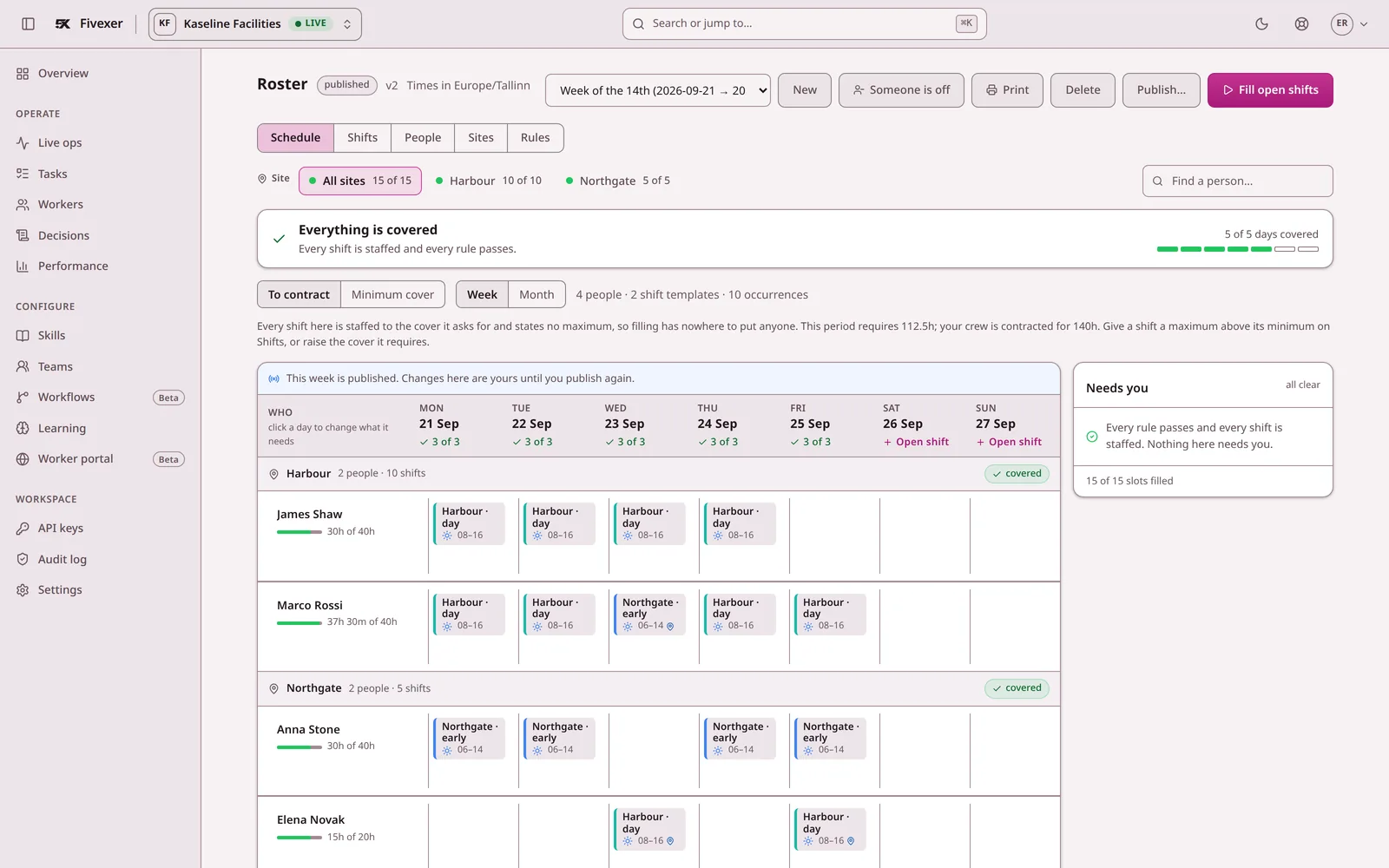
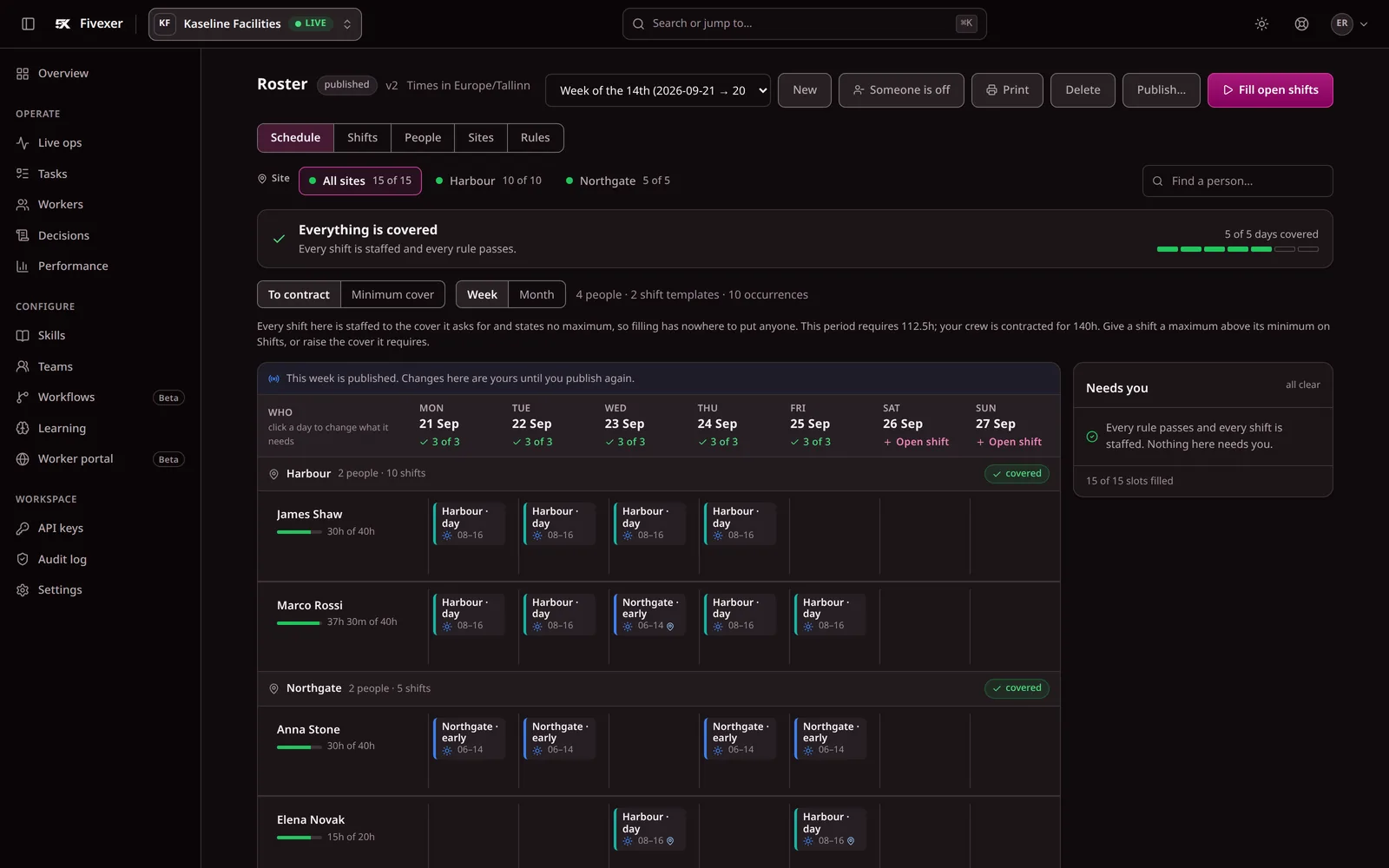
Actual Fivexer console on a sample published week. The header states the verdict for the whole period before anyone reads the grid.
✓“Everything is covered.” The planner sees one line, not a spreadsheet to audit.
✓Needs you lists only what a rule or a missing person left open.
The short answer
Autopilot runs each planning period for you: it collects the crew’s wishes, plans the rota under your rules, publishes it or waits for your yes, and can offer a sick call’s shift to people your rules allow. How much it does alone is a setting for each team.
What it checks
Cover, availability, wishes, qualifications, contract hours and the working-time rules on your team. A rule break always stops it.
What it does not supply
People. No plan can fill a shift nobody is free for; an empty shift goes to the team and is listed for you, never hidden.
Who decides
You choose what it may do alone, and can hold any rota before it goes out. A rota you changed by hand waits for you.
Relief Sunday night, back
01
Three questions, once
How often do you plan? When are wishes due? What may it do on its own? Each team answers for itself. If the dates cannot work, for example wishes due too late to publish within your notice rule, you are told when you save, not when the rota is late.
How often do you plan?
Every week
When are wishes due?
Thursday
What may it do alone?
Plan it, I publish
Heard Wishes asked, not assumed
02
Every period, without a reminder from you
The next rota opens and the crew gets a push asking for their wishes. One tap confirms nothing changed, and anyone who has not answered is reminded. At the deadline it plans the period from what everyone asked for, and the rota shows when it will go out.
FivexerThe next rota is open. Anything changed?Nothing changed ✓
AKJMTOSLReminded
Calm A sick call, handled
03
After the rota is out
A sick call reopens one shift. With cover rounds on, it is offered a few people at a time to those your rules allow, and the first yes takes it. Leave requests and hand-overs follow the rules you chose. Anything that would leave a shift short comes to you.
Sick call · Shift reopened
Offered to people your rules allow · A few at a time
First yes takes it · Covered
In control Trust earned, not assumed
04
Start by letting it plan while you publish
Begin with “Plan it, I publish”: it plans and checks every rota, and you press Publish. When its rotas stop needing your changes, let it publish when you say yes, then on its own.
Planned and checked. You press Publish.
Choose what it may do alone
Each team picks one and can change it at any time.
Setting
What happens to the rota
Plan it, I publish
Planned and checked. You press Publish.
Publish when I say yes
Goes out once you approve it. No answer means it waits.
Publish on its own
Goes out on time if it breaks no rule and you do not hold it. Empty shifts go to the team.
!
Know the limit. Autopilot plans from the rules and the people you have entered. It never publishes a rota with a rule break, and it cannot fill a shift nobody is free for.