Check the boundary of the week
Monday’s first shift can depend on Sunday’s last shift. Include relevant history when checking rest and rolling hours. A clean-looking week is not enough if the previous period has been omitted.
Staff scheduling rules
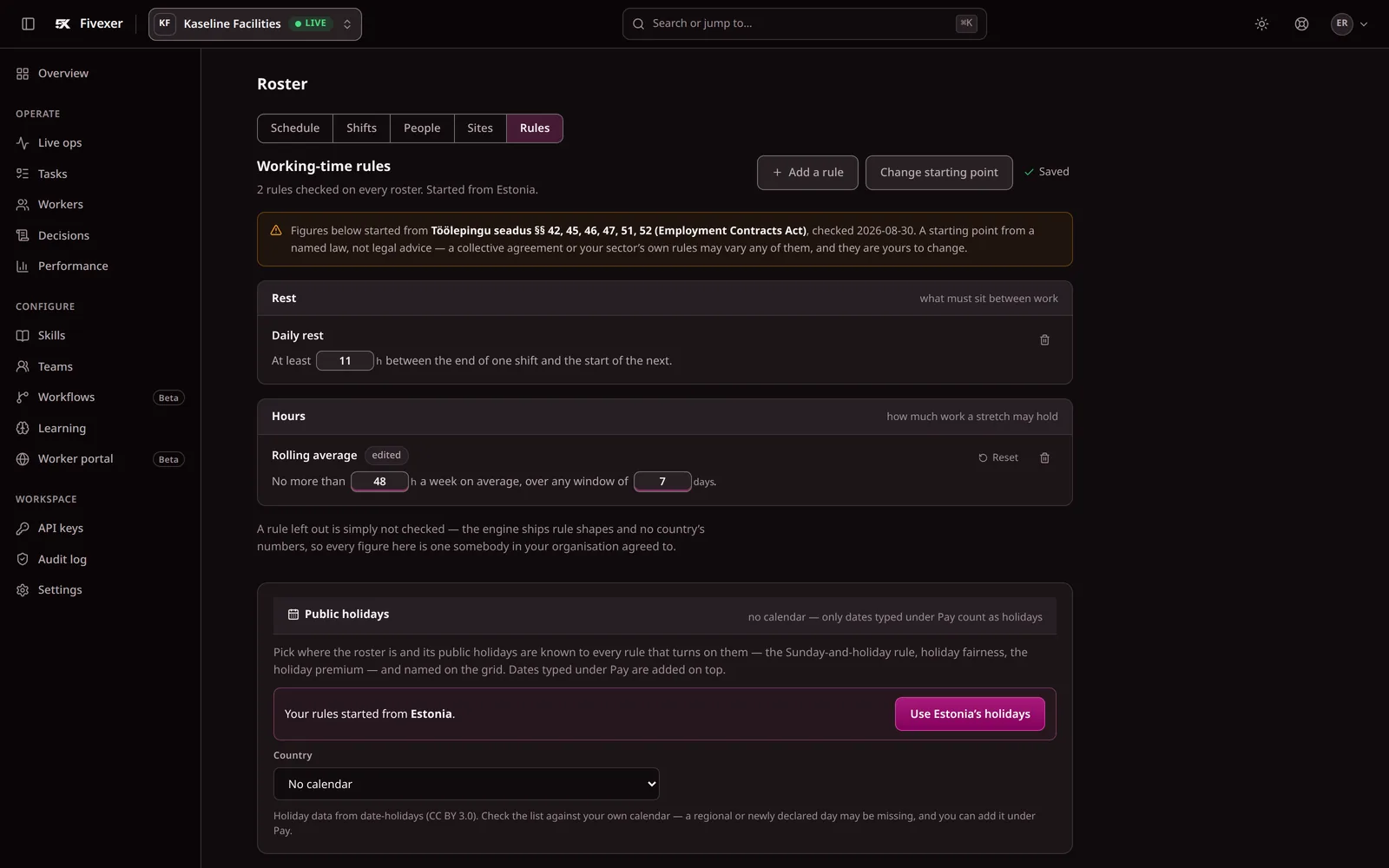
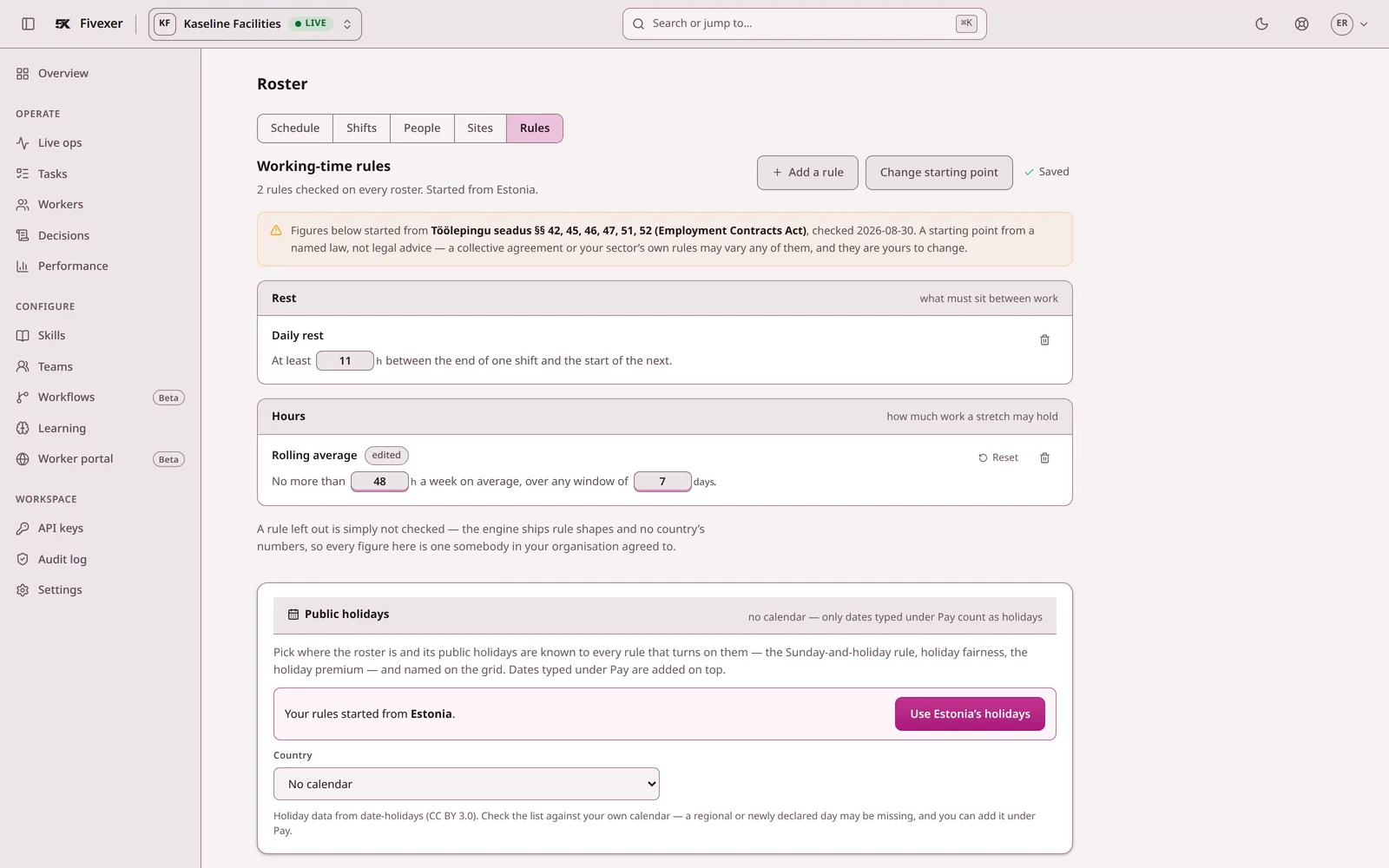
A policy document cannot check Thursday’s replacement by itself. Configure the working rules that apply, keep the relevant worker records current and inspect warnings before approving the roster.
Start freeWatch the rules demo
Free to start. No credit card, and nothing reaches your crew until you publish.

Protected Rested before the next shift
Illustrative: a 12-hour rest rule
See it work
Rest, rolling hours, qualifications and availability, checked against every assignment.
The short answer
Fivexer checks the working rules you configure — rest, rolling hours, qualifications, availability — against every assignment in the roster, and shows the arithmetic behind each warning before a planner publishes.
Monday’s first shift can depend on Sunday’s last shift. Include relevant history when checking rest and rolling hours. A clean-looking week is not enough if the previous period has been omitted.
Availability, required qualifications and configured limits determine whether an assignment is allowed. Preferences help choose between eligible alternatives. Review which conditions are mandatory before assuming a generated plan reflects your working agreement.
A warning may mean that the worker record is wrong, the shift is wrong or demand cannot be met. Check the underlying facts with the responsible planner. Changing a limit just to remove the warning changes the policy the system enforces.
Illustrative rule, not a statement of Irish legal requirements: the organisation has configured 12 hours of minimum rest.
| Input | Value |
|---|---|
| Previous shift ends | Monday 22:00 |
| Next shift starts | Tuesday 07:00 |
| Gap | 9 hours |
| Configured minimum | 12 hours |
| Decision | Does not meet the configured rule |
Know the limit. Fivexer does not apply legal limits automatically. Start from a published country pack or configure rules manually. Because requirements vary by jurisdiction, sector, agreement and person, review every rule before use. A blank rule is not checked; a configured rule is enforced and explained.
Read the rostering documentation for setup detail, or return to workforce scheduling software for the whole workflow.