For operations leads comparing Connecteam for a multi-site contractor of 20–250 staff
A Connecteam alternative for the rota that has to be right
Build and cover the rota under explicit rules for rest, hours, qualifications, site permission and travel. Fivexer records every decision, opens the workspace directly to AI agents over MCP, and carries worked-versus-rostered time into a payroll-ready export.
- €0.50 a person, not $4.20
- MCP-native for AI agents
- Payroll-ready export, without GPS tracking

Test the same absence before switching
Use this evaluation scenario in both products: 40 workers, five client sites, recurring shifts, site permissions and one same-day absence. These are trial assumptions, not a benchmark or customer result.
Check whether the replacement is available, qualified and permitted at the site. Inspect rest and existing assignments, then confirm how the change reaches the worker. Record what each product actually does in your trial, including any setup needed.
Use the shift-cover workflow as your test sheet. If you are also migrating a spreadsheet, follow the rota migration checks.
Connecteam also offers scheduling and shift-change workflows. Review the vendor’s own scheduling documentation alongside your trial.
What you would be looking at instead of Connecteam
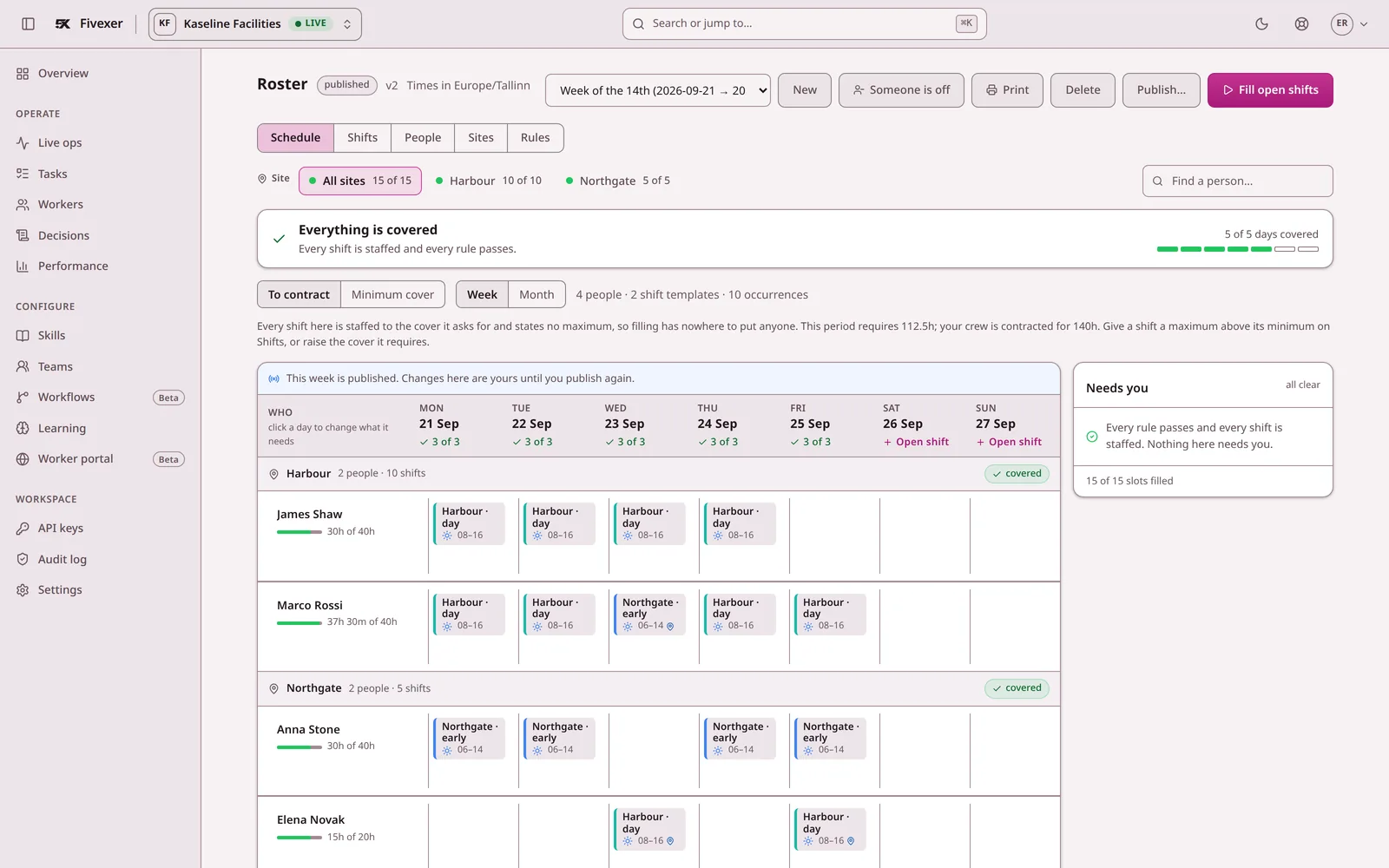
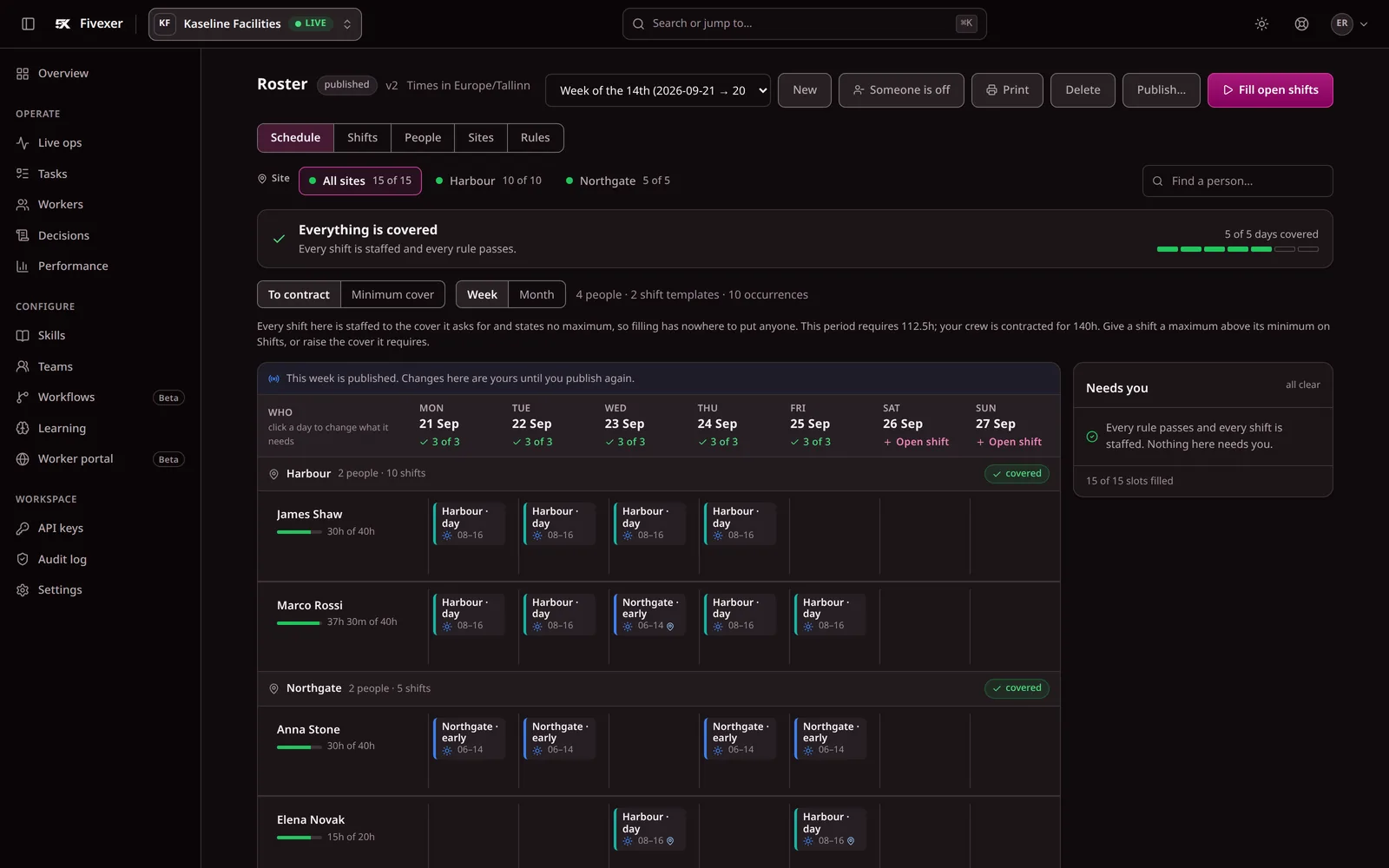
Three screens from the running console, so you can compare them with what you use today.
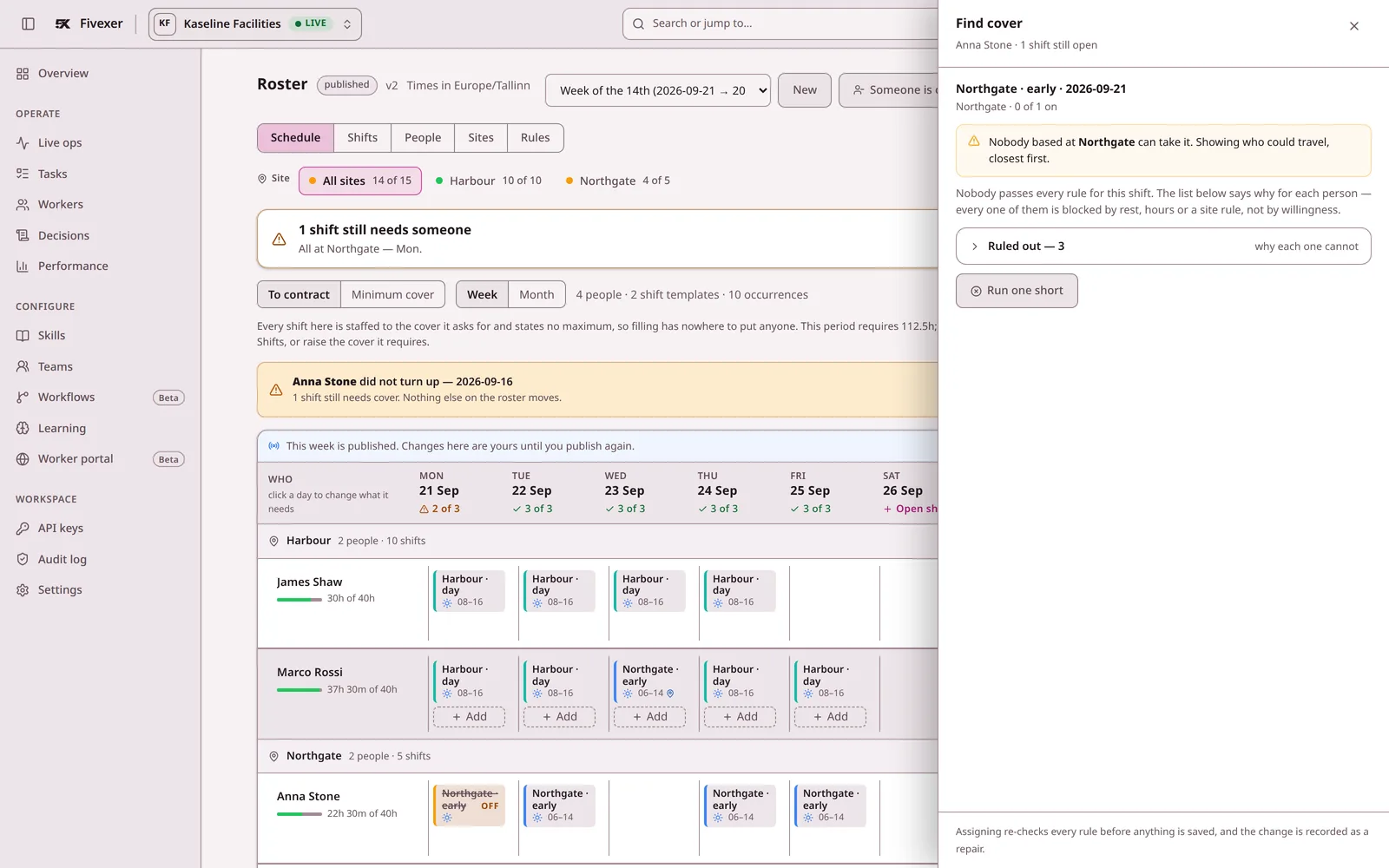
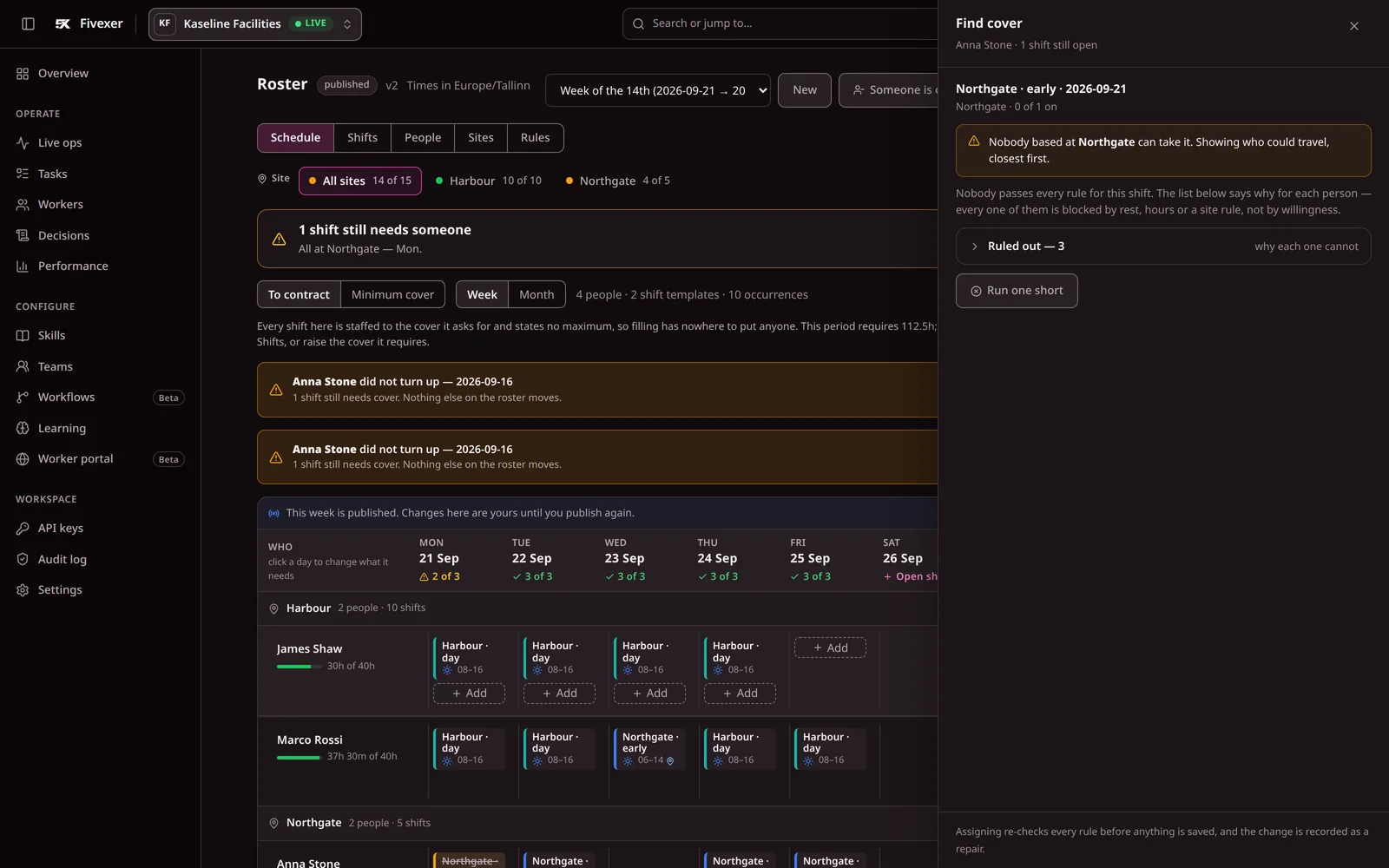
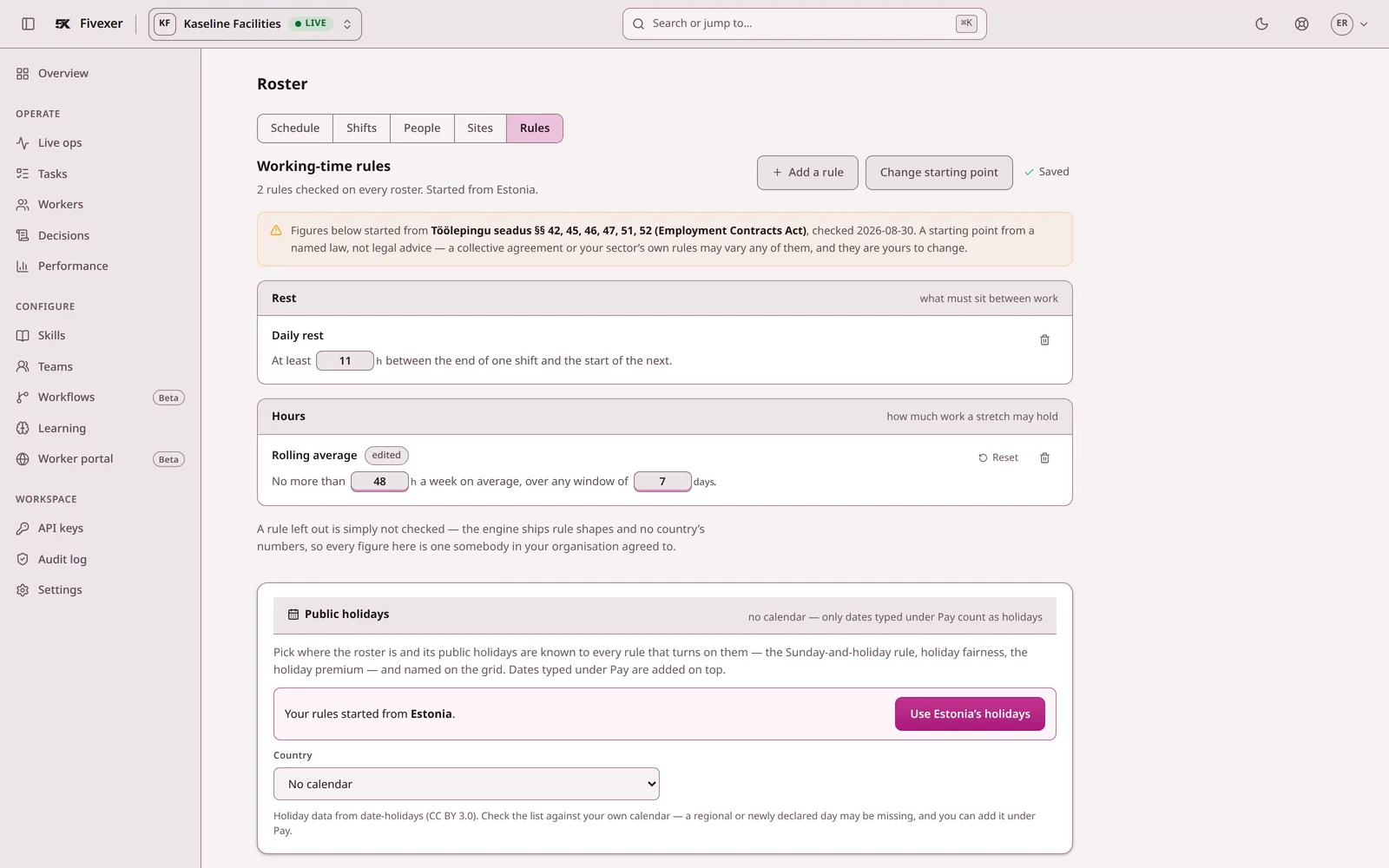
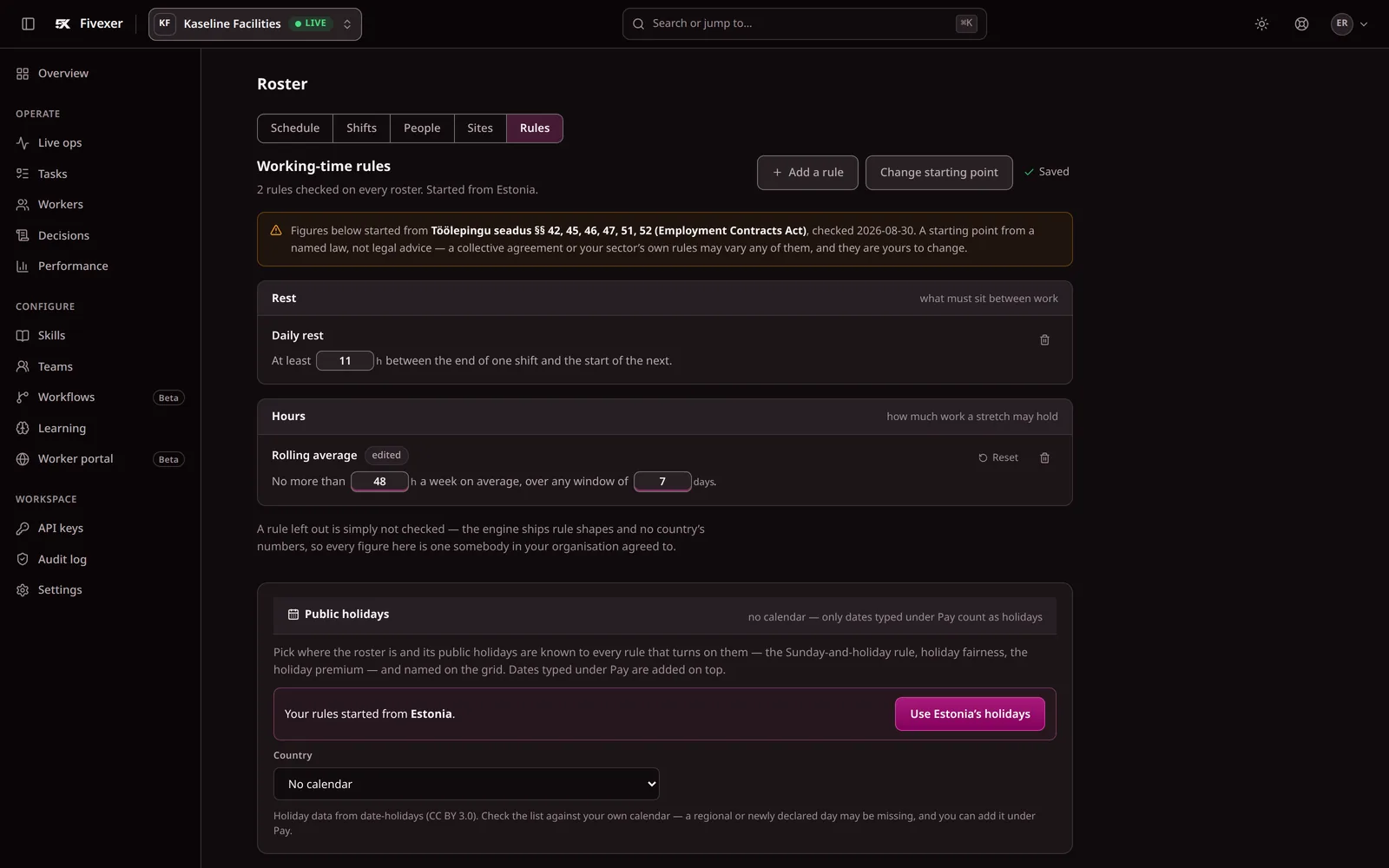
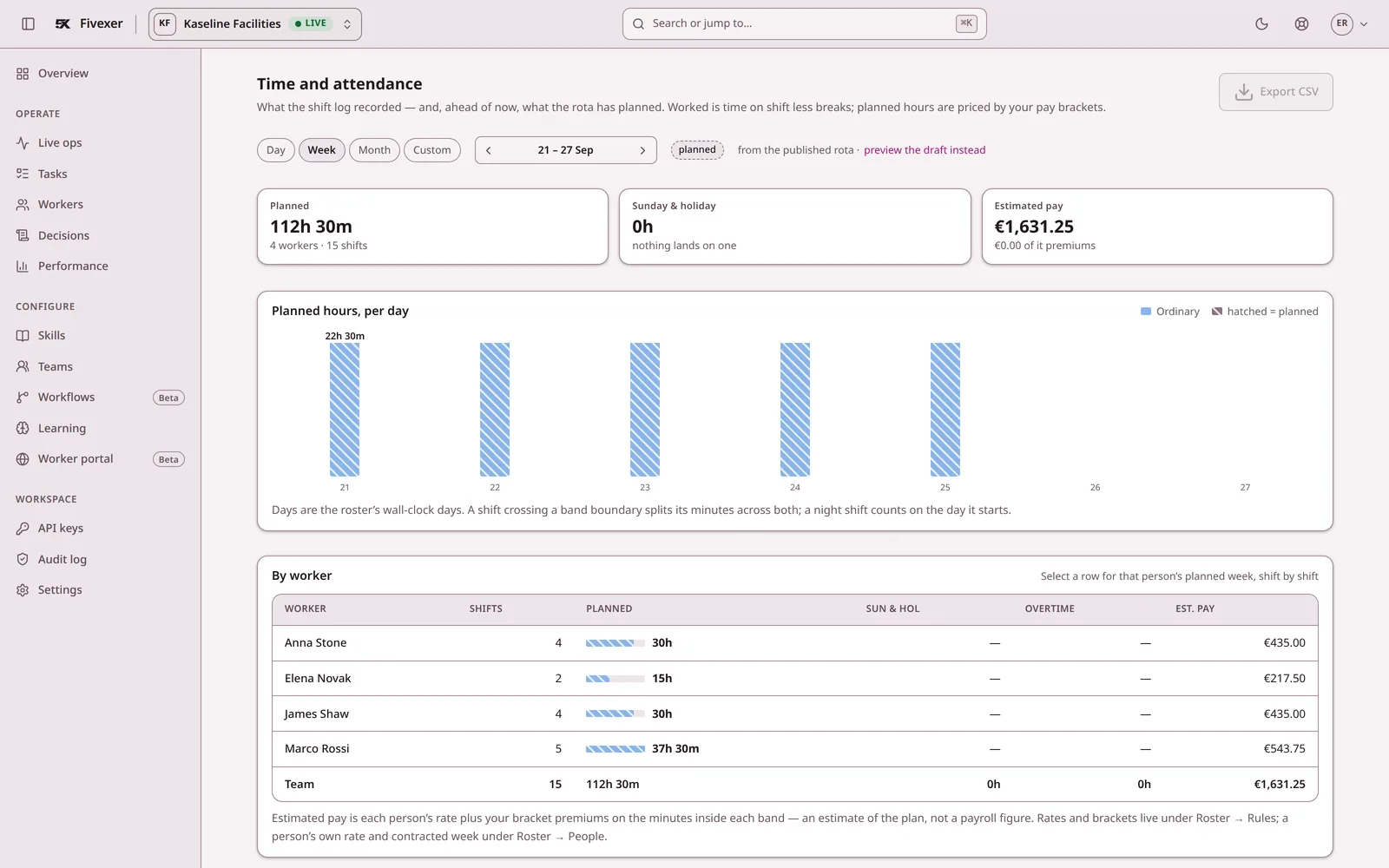
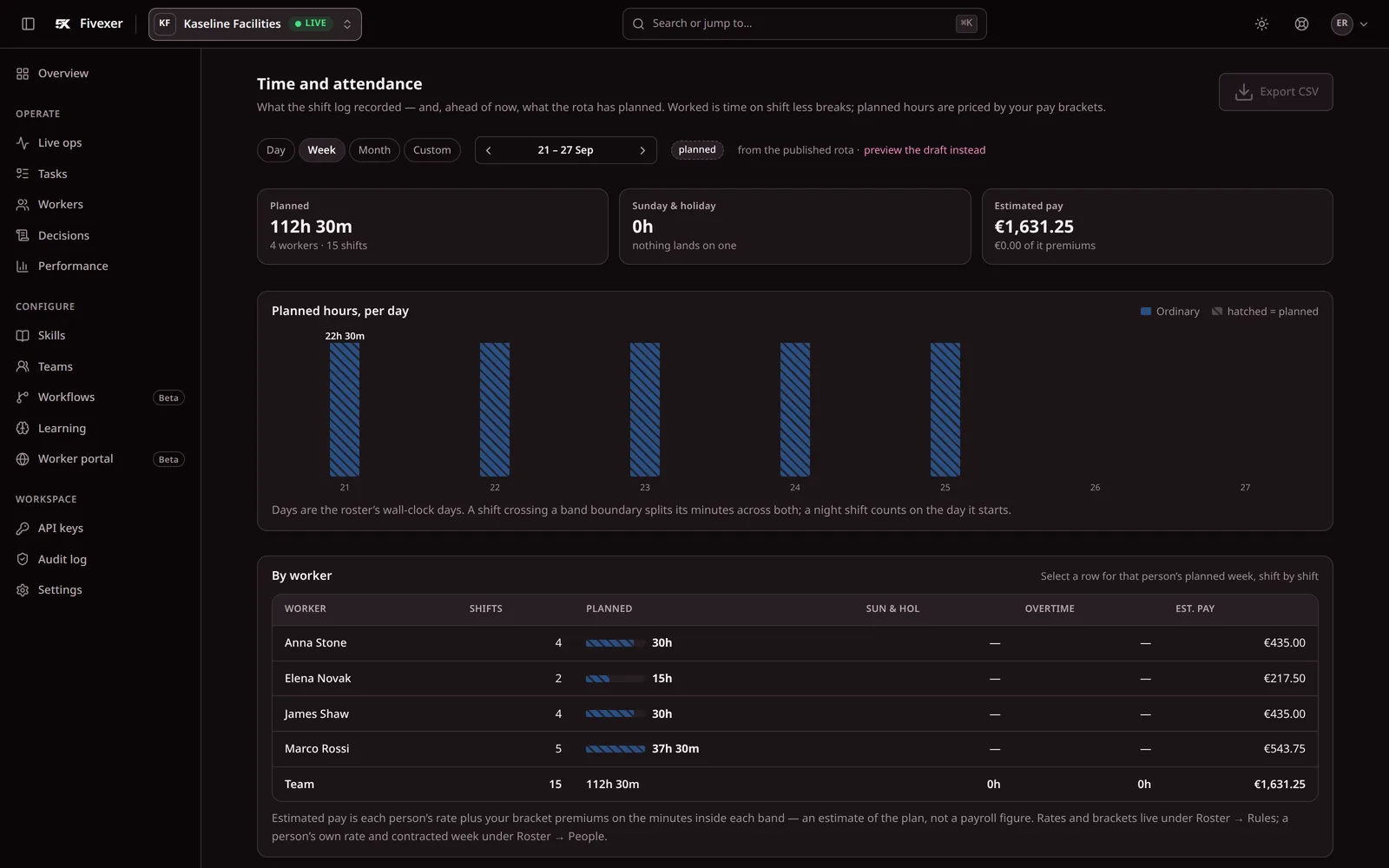
Screenshots of the console with demonstration data, not mock-ups. See every screen.
Fivexer and Connecteam, question by question
Connecteam puts a broad set of workforce features into a mobile app. Fivexer solves the operational chain that begins before a shift reaches that app: decide who is eligible, build the roster, repair it when reality changes, allocate incoming work and preserve an auditable record. The table shows which problem you are actually buying for.
Connecteam
$225
a month for 60 workers. How it is reached is in the price table below.
Fivexer
€22.50
a month for 60 workers. The first 15 are free.
Published list prices in each vendor’s own currency, not converted. Read 2 September 2026.
Question by question
Whose working-time rules are these?
vendor defaults against figures you set
Connecteam
Not something the published pages describe — one to put to them
Fivexer
Yours only. Country packs are editable starting points, not rules applied automatically — a blank rule is not checked, and a configured one is enforced and explained in words.
Why him and not her?
a record a worker or a works council can read
Connecteam
Auto-assign shifts is published on Expert; the reasoning is not described
Fivexer
Every decision is one sentence: who took it, and who was ruled out by which rule.
Who covers Anna at 6am?
into qualified, rested, permitted replacements
Connecteam
Open shifts are published on Basic, and shift scheduling throughout
Fivexer
Ranked replacements with the exclusions shown, scoped to the shifts the absence actually broke.
Can she work three sites this week?
site permission and the journey between shifts
Connecteam
Geofenced sites are published — ten on Advanced, unlimited on Expert
Fivexer
Permitted sites are a hard boundary, and a stated journey holds the gap between two shifts open for it.
Who takes the job that arrives at 11am?
live allocation once the roster is published
Connecteam
Tasks and jobs are published; who they go to is assigned by a person
Fivexer
The same engine allocates the ticket, job or case that arrives during the day, against who is on shift.
Can an AI agent use it directly?
MCP tools, open source and API access
Connecteam
API access and webhooks are published on Expert; an MCP interface is not described — one to ask them
Fivexer
Yes. Claude, ChatGPT, Cursor or any MCP client can inspect and operate the workspace through documented tools — the same rules and decision record as the UI. The engine and MCP server are open source.
Does it track hours and feed payroll?
payroll-ready records against a GPS time clock
Connecteam
Yes — GPS clock-in and timesheets, plus chat, forms, courses and e-signing
Fivexer
Worked hours become a reviewable payroll report with premiums, corrections, payroll IDs, period close and CSV export. It is not a GPS clock or a payroll processor.
The vendor column states what that vendor publishes on its own pricing and feature pages, read on 2 September 2026. Where a product does more than its published pages say, that is theirs to say — every unfilled row above is a question you can put to them, and they are gathered further down this page. Prices are list prices in each vendor’s own published currency and are not converted; negotiated discounts are not modelled.
What each one costs as the team grows
Published list prices, read on 2 September 2026, in each vendor’s own currency and not converted. Connecteam bills for every person on the rota; Fivexer’s first 15 people are free, and each one after is €0.50 a month.
| How it is priced | 30 workers | 60 workers | 120 workers |
|---|---|---|---|
| ConnecteamOperations Hub, Expert tier at $99 a month for the first 30 users plus $4.20 for each additional user — the cheapest published tier carrying auto-assign shifts and API access. Advanced is $49 plus $2.50 per extra user and carries repeating shifts but not auto-assign. | $99/mo | $225/mo | $477/mo |
| FivexerFirst 15 people free, then €0.50 a person a month. Rostering is never a paid extra. | €7.50/moPay as you go | €22.50/moPay as you go | €52.50/moPay as you go |
Connecteam publishes a separate figure for annual billing and a free plan for up to ten users; the lower of the two published figures is used here, and the other two hubs (Communications, HR & Skills) are priced separately and not modelled. Plans are sold on matched tasks. A 120-person rota is about 2,600 shifts a month, inside the free 10,000, so for a rota the per-person price is the whole bill.

What to ask Connecteam
The rows this table cannot fill from Connecteam’s published pages are all the same question in different clothes: what does the schedule know about eligibility. Worth asking directly.
- Can a shift require a qualification, and refuse anyone who does not hold it?
- What does auto-assign optimise for, and can we see why it picked a given person?
- Is a minimum rest gap between two shifts enforced, or only reported afterwards?
- Is our data held in an EU region if we ask, and which subprocessors reach it?
We have not answered these for you on purpose. A product’s capabilities and its data posture both change without notice, and the only reliable version is the one the vendor puts in writing for you.
Choose Fivexer — unless you need a frontline super-app
For a contractor buying operational scheduling, Fivexer is the stronger choice: explicit eligibility and working-time rules, explainable cover, live allocation, direct MCP tools for AI agents, and a payroll-ready record with corrections, premiums and period close. Choose Connecteam instead only when the purchase is primarily a mobile hub for GPS clock-in, chat, checklists, forms and courses. Its free tier may suit a small general-purpose deployment; Fivexer’s value begins with operational complexity, not a particular headcount.
What this page will not claim
It does
- Build and validate a roster against rest, hours, qualifications and site permission you configured
- Turn one absence into scoped openings and rank the people who may cover them
- Allocate live work to whoever is on shift, on the same rules and the same record
- Let an AI agent inspect and operate the workspace directly through MCP tools
- Review worked against rostered hours, close the period and export payroll-ready totals and premiums
It does not
- Clock anybody in, geofence a site, or prove attendance
- Carry chat, checklists, forms, courses or e-signing
- Apply legal limits automatically — country packs are editable starting points and a blank rule is not checked
Not for you if
- You are buying one app to do everything on a phone
- Ten people or fewer, where Connecteam is free
- Nobody will ever be asked to justify who got which shift

Questions we get asked first
Connecteam is free for ten users. Why would a small team pay for Fivexer?
Because complexity is not the same as headcount. A ten-person team can still span several sites, gate work on qualifications, enforce rest and contracted hours, or need an auditable answer when somebody calls in. If none of that applies and the goal is a free clock, chat and checklist app, Connecteam is the better fit. If those rules decide whether work can safely be assigned, Fivexer addresses the more important problem from the first worker.
Can we run both?
Yes, and for some contractors that is the right answer. They do not overlap much: Connecteam is the phone in the worker’s hand, Fivexer is the engine deciding what goes on it. Fivexer’s own worker portal opens in a browser with a PIN, so people are not asked to install a second app if you would rather they did not.
Does Fivexer have a GPS time clock?
No. Fivexer records working time but does not claim that somebody was physically present: there is no GPS, geofence or photo proof. It turns the shift record into a payroll-ready report with worked and rostered hours, premiums, corrections, payroll IDs, period close and CSV export; your payroll system still calculates tax and pays people.
What does Fivexer’s auto-assign actually decide on?
Declared qualifications, availability, site permission, the working-time rules you configured, cost and fairness debt from shifts already worked. It never uses reliability scores, acceptance history or predicted no-shows — the ranking is deliberately profiling-free, and every recommendation carries the rule that produced it.