
Fivexer

Worker app for shifts and tasks

The app your crew already has a phone for.

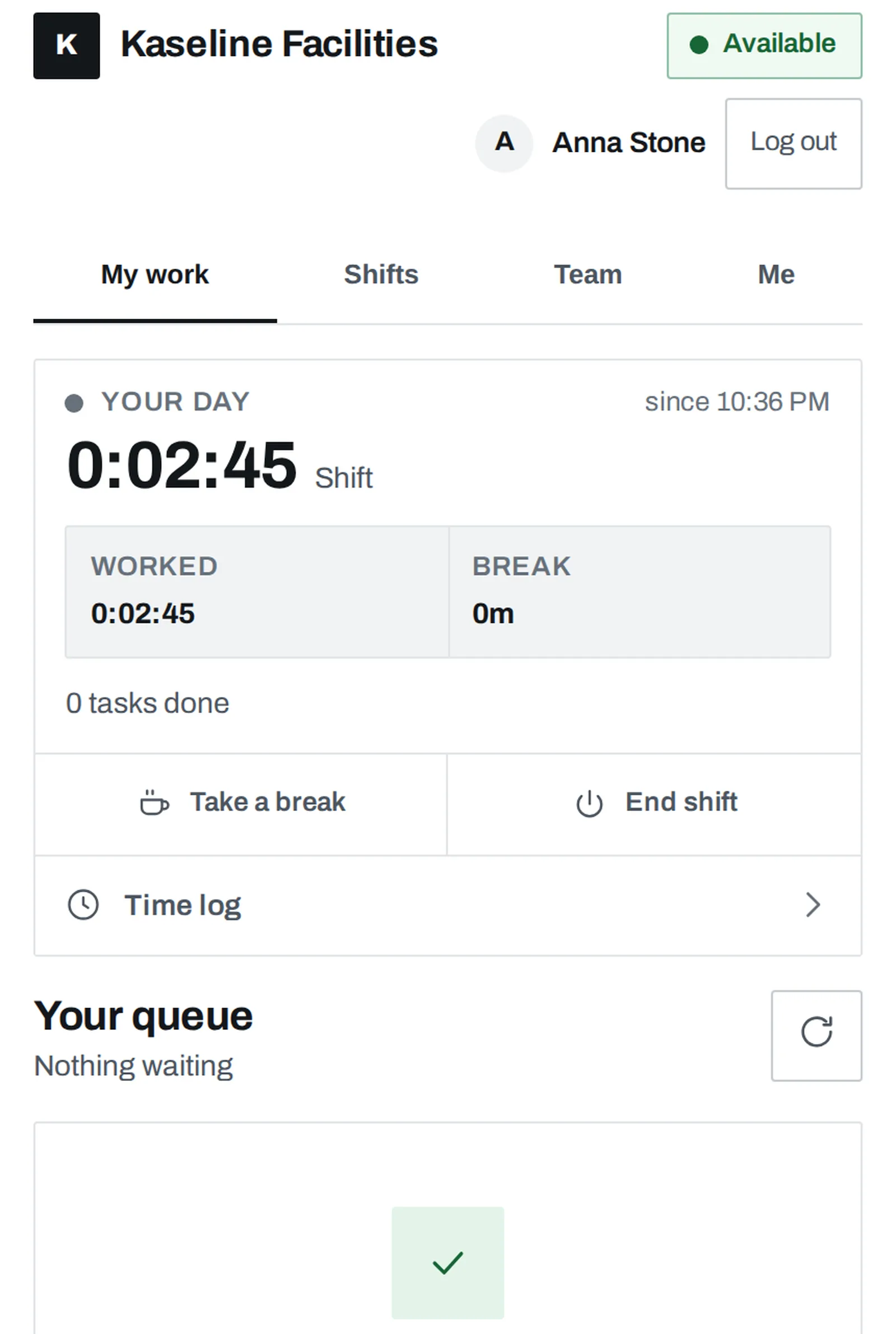
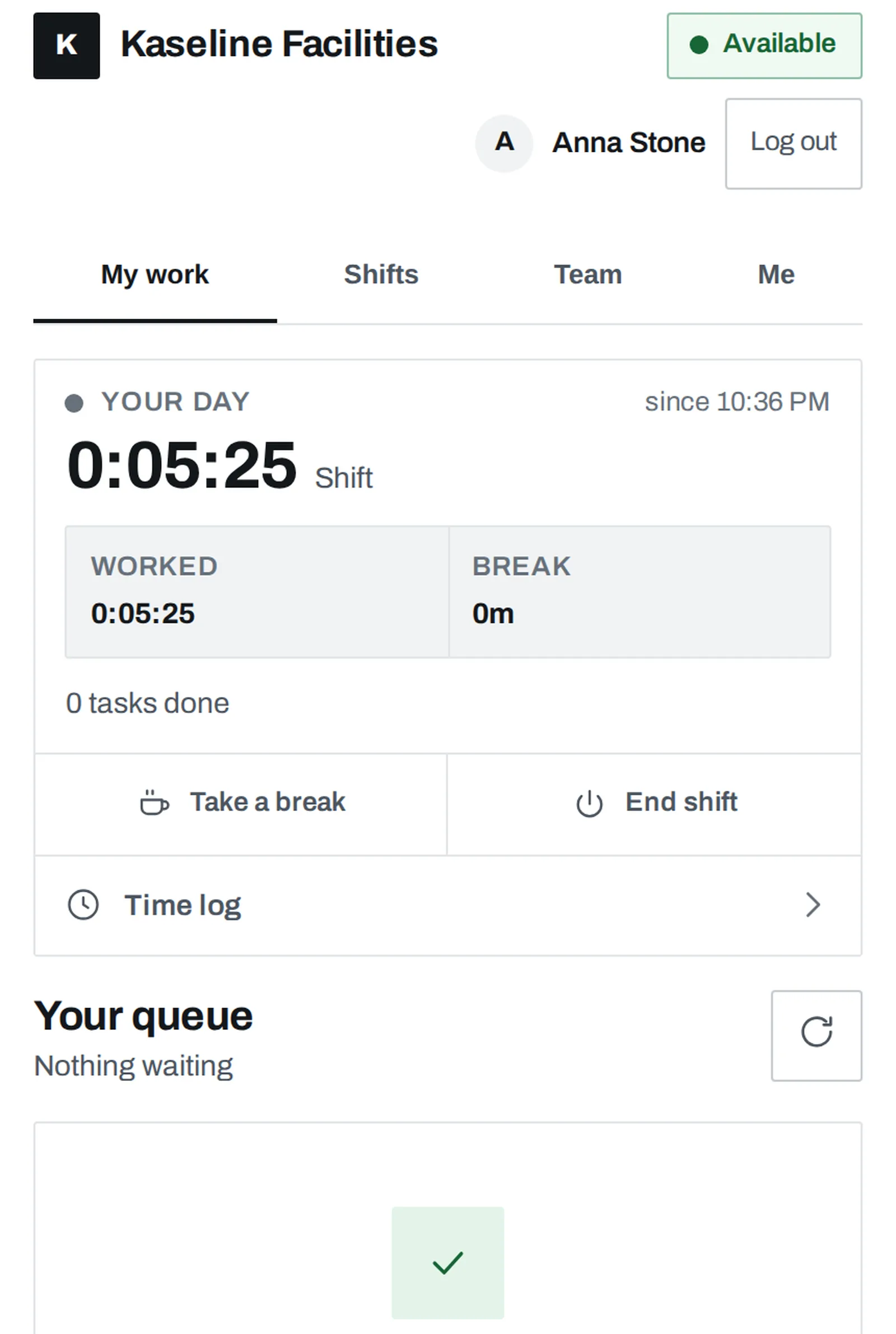
Frontline crews do not install things. They open a link, or they do not use it at all. Fivexer’s worker portal is a web app you brand and send: the phone in their pocket, or a tablet the whole site shares.

See the worker’s sideSee it in the console

Runs in your browser on demonstration data. No account, and nothing you try is saved.

A worker in a hard hat and safety glasses on a site, reading something on the phone in both hands.

The short answer

The worker portal is a branded web app your crew reaches from a link and can add to the home screen: no app store, no managed devices, no terminal to buy. They see their tasks and published shifts, accept or pass work, take cover offers, book time off and read their own time record. Sign-in is a worker id and a PIN, so it works on a personal phone or on a tablet a whole site shares.

What they get
Tasks, published shifts, cover offers, time off and their own time record, in one place.
What it does not need
An app store, a managed device, a work email, or a terminal on the wall. There is no dedicated kiosk mode.
Who decides
You. The portal is published per workspace, and a workspace takes a new release when it republishes.

A link, not an app store

The portal opens in the browser every phone already has, and adds itself to the home screen from there. Nothing goes through a review queue, nothing needs device management, and a crew that turns over every few months costs you a link rather than an onboarding. Where the phone allows it, work arrives as a notification — though we do not promise instant updates on every device.

Sign in without an inbox

Plenty of frontline people have no work email, and an account system that assumes one quietly excludes them. Three ways in: a PIN set directly for a crew with no inbox, a single-use invite link where there is one — nothing secret is ever emailed, they choose the PIN themselves — and a QR join link a whole intake scans at induction, with its tags and team already set.

A shared device on the wall

A tablet by the depot door works: a worker id and a PIN is the whole sign-in, and the device keeps an identity of its own so a second person signing in does not inherit the first one’s session. Said plainly, though: there is no kiosk mode. A shared tablet is the ordinary portal in a browser — no pinned list of faces, no one-tap switch between workers, no automatic sign-out after a punch. If that is what you need, it is not built yet.

Their record, not a window into surveillance

The time log a worker opens is the same record an operator reads — same hours, same corrections, same names against them. That parity is deliberate, and it is the line between a timesheet and something else. There is no location trail, no geofence and no biometrics anywhere in it.

Getting a crew of twelve onto it

Illustrative example of the three ways in, not a customer result.

WhoWay inWhat you hand over
Eight cleaners, no work emailA PIN set for eachThe portal link and their worker id
Two supervisors with inboxesA single-use invite linkNothing — they choose their own PIN
A new intake at inductionOne QR everybody scansA code that expires, with approval on
The tablet by the doorThe same portal, sharedA browser — not a kiosk app

The screen this happens on

Not a mock-up. The console below runs on demonstration data; open the simulator to inspect the same week and change something yourself.

Anna Stone reported sick2 openings · Main lobby · evening, 14:00–22:00 · Northgatereported 05:41

Based at this site — no journey

Mark KellyNorthgate · reception cert · 0.6 FTE

Eligible at his own site, rested since Tuesday, and well below his contracted hours for the week.

Robert TurnerNorthgate · service level night

Not eligible: he is on Thursday’s night shift, which starts the minute this one would end.

Rest

A known journey away

Kate ParkerDepot · 18 min estimated

Not eligible: she is on Thursday’s depot early until 13:00 — an hour before this shift starts, not eleven.

Rest

Lisa EllisSouthgate · 50 min stated

Eligible, permitted at every site, and free from 14:00. Southgate to Northgate is a stated 50-minute journey.

James ShawSouthgate · 50 min stated

Not eligible: this post requires a reception certificate he does not hold.

Qualification

Travel not stated — never assumed to be zero

Thomas Reedno travel time between these sites

Eligible on every rule that can be checked. The travel gap cannot be checked, so a supervisor decides.

6 considered3 could take it3 ruled out, each with the rule that ruled them out1 shift still open at South wing

Nothing is decided yet. Assign the recommendation, or offer the shift to somebody further down — either way the reason is written down, and this is where you would read it back.

The Fivexer console with a reported absence and a Find cover drawer open, stating that nobody based at the site can take the shift and offering the reason each person was ruled out.
Actual Fivexer console on sample data. “Nobody passes every rule for this shift” is a first-class answer, with the reason for each person behind “Ruled out” and “Run one short” recorded as a decision rather than left as a silent gap.

What to account for

It is a web app: it installs to the home screen, but instant updates on every phone are not promised. There is no dedicated kiosk mode. Each workspace takes a new portal release when it republishes.